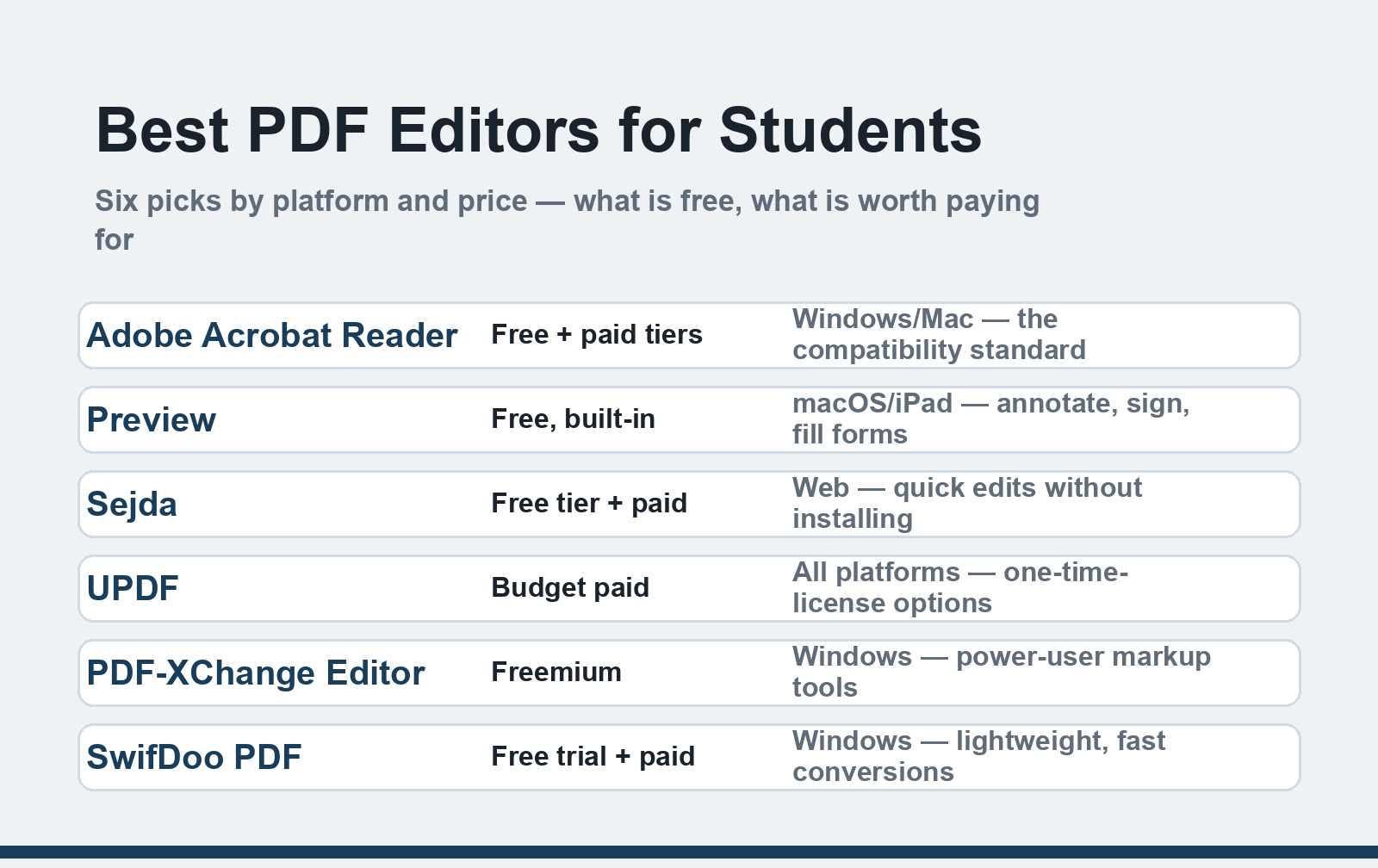
Quick Answer: For most students, the right PDF editor is already on the device: Preview on Mac and the free Adobe Acrobat Reader cover reading, annotating, signing, and form-filling. Pay only when you need heavy editing or frequent conversions — Sejda, UPDF, PDF-XChange, or SwifDoo cover those jobs for far less than an Acrobat subscription.
Student PDF work is mostly annotation, form-filling, light edits, and the occasional conversion to Word. That's worth knowing before you pay for anything, because the free tools in 2026 are good — genuinely good — and the paid upgrades only earn their keep for specific jobs. This guide sorts the current options by what students actually do with them, not by feature-list length.
What changed since the original version: this guide previously covered a single Windows editor in depth. It's now a full comparison across platforms and prices, because the free tier of PDF software improved dramatically in the years since — and because most students never needed more than the free tier to begin with.
The quick picks
| Tool | Platform | Price model | Best for |
|---|---|---|---|
| Adobe Acrobat Reader | Windows, Mac, mobile | Free (paid tiers for editing) | Compatibility, filling official forms |
| Apple Preview | Mac, iPad | Free, built-in | Mac owners — annotate, sign, organize |
| Sejda PDF | Web, desktop | Free daily quota + paid | Quick edits on any device, no install |
| UPDF | Windows, Mac, iOS, Android | Subscription or one-time license | Budget full editor across devices |
| PDF-XChange Editor | Windows | Freemium | Windows power users, heavy markup |
| SwifDoo PDF | Windows | Free trial + paid | Lightweight, fast PDF-to-Word conversion |
The free tools that cover most students
Adobe Acrobat Reader remains the reference standard — every official form, university portal, and scholarship application is designed against it. The free Reader handles commenting, highlighting, form-filling, and digital signatures. Editing existing text requires the paid Acrobat tiers; check Adobe's current student pricing before buying, since educational discounts change. Get the genuine installer from Adobe's Reader download page — third-party "PDF reader" download sites bundle adware.
Apple Preview is the most underrated PDF tool on any platform, and it ships with every Mac. Open a PDF and you can highlight, add text and shapes, sign with trackpad or camera, fill forms, reorder and delete pages, and merge documents — no install, no account, no watermark. For a Mac-owning student, Preview plus Word or Pages covers roughly 90% of coursework needs. iPadOS extends the same markup tools with the Pencil, which is the closest thing to annotating on paper.
Microsoft Edge quietly became a capable PDF reader on Windows: annotations, highlighting, read-aloud, and basic form-filling in the browser, zero install. If your only tasks are reading lecture slides and marking them up, this is enough.
Web tools — Sejda, iLovePDF, Smallpdf — handle quick jobs from any device: compress a file under a portal's size limit, merge assignment scans, convert a PDF to Word. The free tiers have daily task quotas and file-size caps (Sejda's are the most generous for real editing), fine for occasional use. Two cautions for student documents: avoid uploading anything with your ID numbers or signatures to a web tool, and check output for watermarks on some free converters.
When paying is worth it
Heavy editing: if you routinely fix text inside PDFs, reflow layouts, or redact documents, a real editor beats workarounds. UPDF undercut the market with subscription and one-time-license pricing across Windows, Mac, and mobile — pricing shifts often enough that you should compare its current tiers against Acrobat's. PDF-XChange Editor is the Windows freemium favorite: its free version marks up better than most paid tools, with the pro version unlocking full editing.
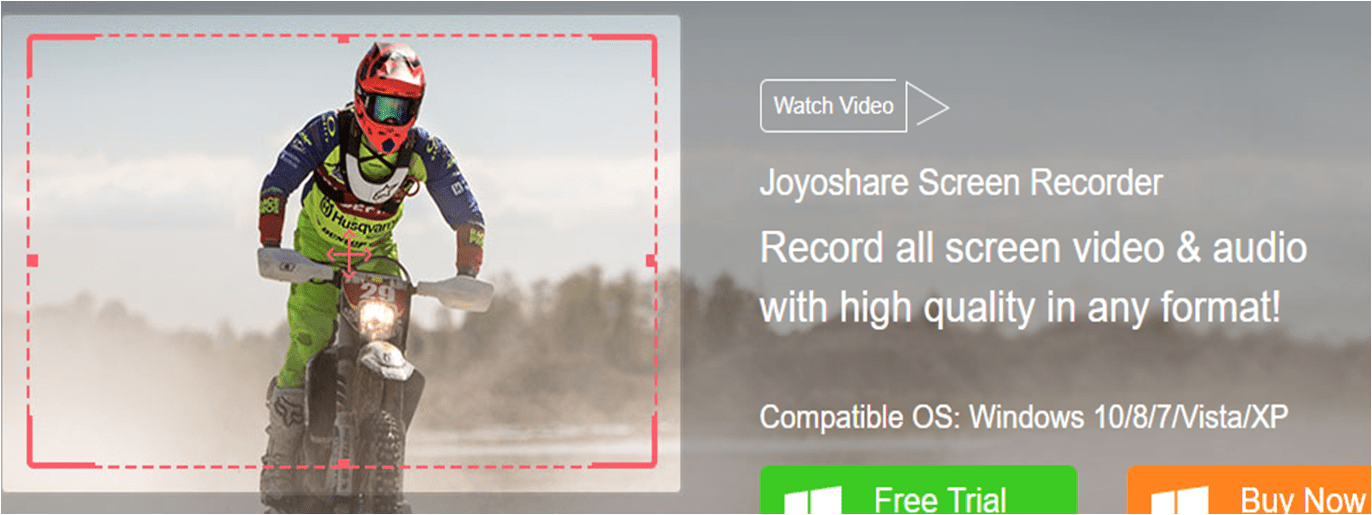
Fast conversions: converting PDF to Word cleanly (tables intact, formatting preserved) is where lightweight Windows tools earn their price. SwifDoo PDF — the subject of the original version of this article — remains a solid pick for exactly this: it's small, fast, and its conversion toolkit handles PDF-to-Word and back without the file-size runaround. Its free trial lets you test a real conversion before paying, which is the right way to evaluate any converter.
AI reading tools joined the toolkit since the original guide: apps that summarize and answer questions about long PDFs are genuinely useful against 80-page readings. We compared the best AI chat-with-PDF tools separately — treat them as a study layer on top of, not a replacement for, a PDF editor.
What students actually need, by task
- Annotate lecture slides → free: Preview / Edge / Acrobat Reader
- Fill and sign official forms → free: Acrobat Reader or Preview (signatures in Preview are surprisingly clean)
- Merge scanned assignment pages → free: Preview (Mac), web tools elsewhere; phone scans work with our document-scan guide
- Convert PDF to Word for editing → paid tier of SwifDoo, UPDF, or Acrobat — test the free trial on your actual document first, because conversion quality varies by file
- Compress a file under a portal limit → free web tools, then re-check readability
- Edit text inside a PDF → a full editor (UPDF / PDF-XChange Pro / Acrobat); or convert to Word, edit, and export back
FAQ
What is the best free PDF editor for students?
For Mac and iPad owners, Apple Preview — it's built in and handles annotation, signatures, form-filling, and page organization. Windows students get most of the same from Microsoft Edge plus Adobe's free Reader. Both routes cost nothing and cover the majority of coursework.
Is Adobe Acrobat worth it for students?
The free Reader, yes — it's the compatibility baseline. The paid subscription only makes sense if you need to edit PDF text directly or redact documents regularly; Adobe offers education pricing, but budget editors like UPDF now match most of that capability for less. Compare current pricing on both before committing.
How do I edit a PDF without the formatting breaking?
Two reliable routes: a dedicated editor (edits stay inside the PDF layout), or a high-quality converter to Word — edit there, then export back to PDF. Beware free converters with small file-size limits; they often rasterize pages, which destroys text quality. Test on your real document, not a sample.
Are free online PDF converters safe for assignments?
For ordinary coursework, the reputable ones (Sejda, Smallpdf, iLovePDF) are fine, with two limits: files you upload pass through their servers, so keep anything with personal identifiers out; and free tiers add watermarks or daily caps. Install a desktop trial if the document is sensitive.
Can I sign a PDF for free?
Yes. Preview on Mac creates a signature from the trackpad, camera, or phone. Acrobat Reader's Fill & Sign does the same on Windows and mobile. Both produce a valid signature image for the forms universities and landlords actually use — a digital certificate is only needed for formal legal filings.
Related reading
Before paying for any editor, list the three PDF tasks you actually did last month — most students find two of them were free all along.