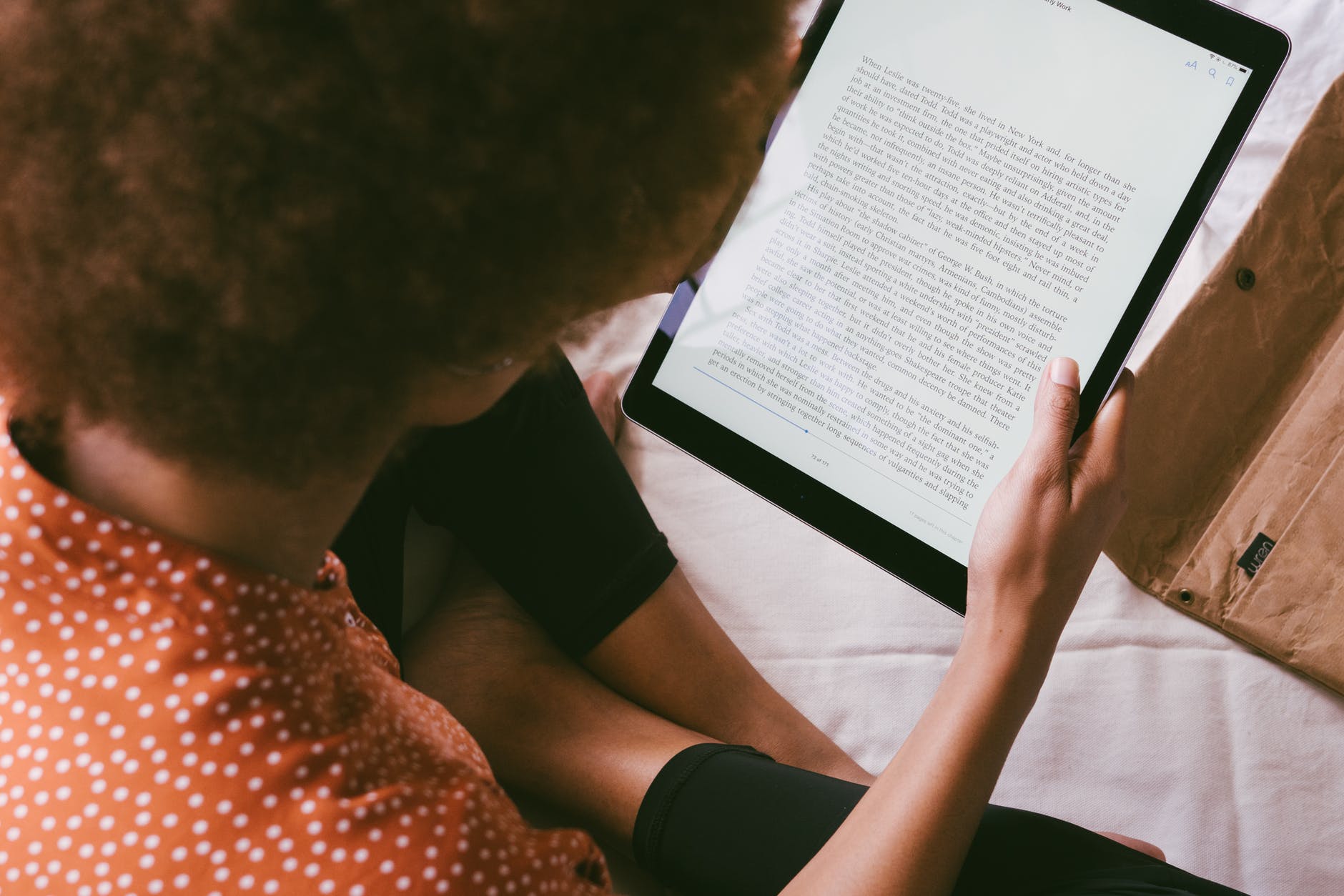
I read 40-odd books a year across a phone, a tablet and a Kindle, and the app matters more than people think — the right one gets you library books for free, syncs your page across devices, and doesn't bury your highlights three menus deep. We originally published this guide in 2021; since then, one major app has been retired entirely, another rebranded, and manga readers got a genuinely new option. Here's the updated, honest ranking for 2026.
Quick answer: The Kindle app is still the best overall reading app in 2026 — the biggest store, Whispersync, and comics now included after ComiXology's app was retired. Google Play Books is the best pick on Android, Apple Books on iPhone/iPad, Libby is the free one everyone should install (library cards), and Everand (formerly Scribd) is the best all-you-can-read subscription.
At a glance
| App | Best for | Price | Platforms |
|---|---|---|---|
| Kindle | Overall best; biggest store; comics (ex-ComiXology) | Free app; books paid | iOS, Android, web |
| Google Play Books | Android users; no-subscription EPUB/PDF support | Free app; books paid | iOS, Android, web |
| Apple Books | iPhone/iPad; beautiful UI; free classics | Free app; books paid | Apple only |
| Audible | Audiobooks | From ~$7.95/mo (Plus) | iOS, Android, web |
| Blinkist | 15-minute nonfiction summaries | Freemium; Premium ~$100/yr | iOS, Android, web |
| Wattpad | Indie fiction, fanfic, web novels | Free; Premium optional | iOS, Android, web |
| Kobo Books | EPUB lovers; library integration outside the US | Free app; books paid | iOS, Android, Kobo e-readers |
| Everand (ex-Scribd) | All-you-can-read subscription | From ~$11.99/mo | iOS, Android, web |
| Kindle (for comics) | Comics & graphic novels post-ComiXology | Free app; issues paid | iOS, Android |
| Crunchyroll Manga | Manga with a Crunchyroll sub | In Mega/Ultimate Fan tiers | iOS, Android, web |
| Libby | Free library ebooks & audiobooks | Free with library card | iOS, Android, Kindle (send) |
1. Amazon Kindle — still the best overall
The Kindle app wins on catalogue and friction. Every bestseller is there, Whispersync keeps your page and highlights in sync across phone, tablet, e-reader and web, and features like X-Ray (character and term lookup), Vocabulary Builder and adjustable typography remain better thought-through than any rival. Custom series pages and Read-Along kids books with Audible narration make it family-friendly too.
One change that surprised long-time comic readers: Amazon retired the standalone ComiXology app in December 2023 and merged its library and guided-view reader into the Kindle app. Buying still happens through the ComiXology storefront, but reading now happens in Kindle — which is part of why this app tops the list for comics and graphic novels too.
Keep if: you buy books and want zero-friction sync everywhere.
2. Google Play Books — best for Android
Play Books is the quiet overachiever: it handles EPUB and PDF uploads (up to 100 MB per file) through Play Books' upload portal, so it doubles as a reader for anything you already own — no store lock-in. Night Light, reading position sync, and a clean Android-native interface make it the default I recommend to Android users who don't want Amazon's ecosystem.
Keep if: you're on Android and want your own files plus a real store in one app.
3. Apple Books — best on iPhone and iPad
On iOS, Apple Books is the most polished reader on the platform: gorgeous full-page layouts, excellent PDF handling via the Files integration, and Reading Goals with streaks. The store is smaller than Amazon's, and it's Apple-only — highlights and library don't follow you to Android. For iPad reading specifically (textbooks, illustrated books, comics in portrait), it's the best-rendering app on this list.
Keep if: you're all-in on Apple devices.
4. Audible — best for audiobooks
Audible remains the audiobook default: the largest catalogue, CarPlay/Android Auto support, sleep timers, and narrated integration with Kindle (read or listen, switch mid-book on Whispersync titles). The subscription structure has tiers — the entry level gets you one title a month plus access to the included Plus catalogue of free-listen originals. If you listen more than you read, this is the app.
Keep if: you commute or listen during chores.
5. Blinkist — best for summaries
Blinkist condenses nonfiction bestsellers into 15-minute text-or-audio summaries, and it's the app I open most on gym days. It's grown Shortcasts (podcast summaries) and now sits under learning company Go1, but the core promise is unchanged: decide whether a book is worth your evening. The free tier gives one daily pick; Premium runs roughly $100/year with frequent discounts.
Keep if: you want ideas per minute, not pages.
6. Wattpad — best for indie fiction
Wattpad hosts millions of free web novels and fanfiction, and it's still where BookTok's drafts are born — many published YA hits started as Wattpad serials. The reading experience is mobile-first (serialised chapters, offline reading, comment threads inside chapters), which makes it the natural pick for fiction readers who burn through a novel a week and don't mind unedited prose.
Keep if: you read genre fiction by the ton and want it free.
7. Kobo Books — best for EPUB and library readers outside the US
Rakuten Kobo is the serious Amazon alternative, and in many countries it's the better one: native EPUB support, deep OverDrive/Libby-style library integration built into the app (borrow directly with your card, no extra app in some regions), and Underground-style daily deals. It powers Rakuten's e-readers too. Amazon-exclusive bestsellers won't appear here, which is the one real trade-off.
Keep if: your library is outside the US, or you refuse DRM-locked Amazon formats.
8. Everand — the subscription, formerly known as Scribd
Heads-up if you knew it before: Scribd's reading subscription rebranded to Everand in late 2023 (Scribd the name now refers only to the documents platform). Everand bundles ebooks, audiobooks, magazines and sheet music under one plan, and it acquired the social-reading app Fable in 2025. Two honest notes: the catalogue skews mid-list rather than brand-new bestsellers, and late 2024 brought a move away from truly unlimited reading toward per-plan unlock credits — so heavy readers should compare the tiers before subscribing. Plans start around $11.99/month.
Keep if: you read 3+ varied books a month and want one flat bill.
9. Kindle again — for comics after ComiXology
A dedicated line for comic readers because the landscape changed: the ComiXology app is gone (retired December 2023), its guided-view reader and your purchased library now live inside the Kindle app, and comixology.com remains the storefront where you buy. The upsell-driven comiXology Unlimited subscription also folded into Amazon's Kindle Unlimited. There's no separate app to download anymore — if an old guide tells you to install ComiXology, that guide is out of date.
Keep if: you read comics or graphic novels and are okay with Amazon.
10. Crunchyroll Manga — the new manga option
Manga readers got a genuine reset: Crunchyroll relaunched its manga service in October 2025 as a standalone app in the US and Canada, with a web reader following. It's ad-free, includes simulpub-style day-and-date chapters from Kodansha, Shueisha, Square Enix and Yen Press (One Piece and Jujutsu Kaisen are headliners), and access is bundled with Crunchyroll's Mega Fan and Ultimate Fan anime tiers — a strong deal if you already subscribe for the anime. The old Crunchyroll Manga app that shut down years ago is unrelated to this new one.
Keep if: you already pay for Crunchyroll and read shonen.
11. Libby — the free app everyone should have
Libby, from OverDrive, is the reason I've paid for maybe six books in three years: it borrows ebooks and audiobooks from your public library, free, on a real Kindle (US) or in-app everywhere. Add multiple library cards, place holds, send to Kindle, done. It's the first app I install on any new device, and the only "cost" is the occasional waitlist — which is exactly what holds are for.
Keep if: you have a library card (and if you don't, get one for this).
Final verdict
If you only install two: Kindle for buying and Libby for borrowing. Android readers should add Play Books for their own EPUB/PDF files; Apple households get Apple Books by default; comics live in Kindle now, and manga readers with a Crunchyroll sub should try the new Crunchyroll Manga before paying per-volume anywhere else.
Frequently asked questions
Are any books on Kindle free?
Yes, in several ways: Amazon's Kindle store has a dedicated Top 100 Free list of thousands of free ebooks, Kindle Unlimited includes a rotating catalogue in the monthly fee, classics out of copyright are usually free, and Prime members get First Reads and Prime Reading titles at no extra cost. Libby complements this by lending current bestsellers free through your library.
Which app is best for reading on an iPad?
Apple Books edges it for purchased books and PDFs thanks to the best page rendering and Apple Pencil annotation, Kindle is better if you buy from Amazon or read comics (guided view moved into Kindle after ComiXology's app was retired), and Libby is the pick for free library borrows. Many iPad readers keep all three installed for different book types.
What is the best app for reading books for free?
Libby — it lends real bestsellers and audiobooks free with a library card. Wattpad adds unlimited free indie fiction, and the Kindle and Google Play stores both have permanent free sections for public-domain and promotional titles. Between those four, most readers never need to pay full price for a book again.
What happened to the ComiXology app?
Amazon retired it on December 4, 2023, merging the app into Kindle: your purchased comics moved to the Kindle library, and the guided-view reader is now part of Kindle. The ComiXology website still exists as a storefront for buying comics, but there is no separate ComiXology app to install anymore.
Is Everand still unlimited reading?
Not quite. Everand (formerly Scribd) moved away from its all-you-can-read model in late 2024 toward tiered plans with monthly unlock credits, though a large included catalogue remains. If you were a Scribd subscriber years ago, check the current Standard/Plus/Deluxe plan details before resuming, and compare against Kindle Unlimited.
Related reading
- The 4 best iPhone calendar apps for staying organized
- 8 best productivity tools and apps for remote work
- Top mobile apps for career development and personal branding
My library card and Kindle have been doing tag-team duty for years — tell me what you read most in the comments and I'll point you at the right app.