Duplicate photos are silent storage thieves. Every re-downloaded image, every chat-app copy, every backup that ran twice quietly eats the space your phone needs for apps, videos, and system updates — and makes your gallery miserable to scroll. The fix takes about ten minutes with tools already on your phone. Here's why it happens and how to stop it for good.
Quick answer: Phones duplicate photos through double downloads, file transfers, chat apps saving their own copies, and cloud-sync hiccups. On Android, open Files by Google → Clean → Duplicate files to delete exact copies in one sweep. On iPhone, use Photos → Albums (or Collections) → Utilities → Duplicates → Merge. Then empty the trash — files only free up space after that.
Why your phone creates duplicate photos
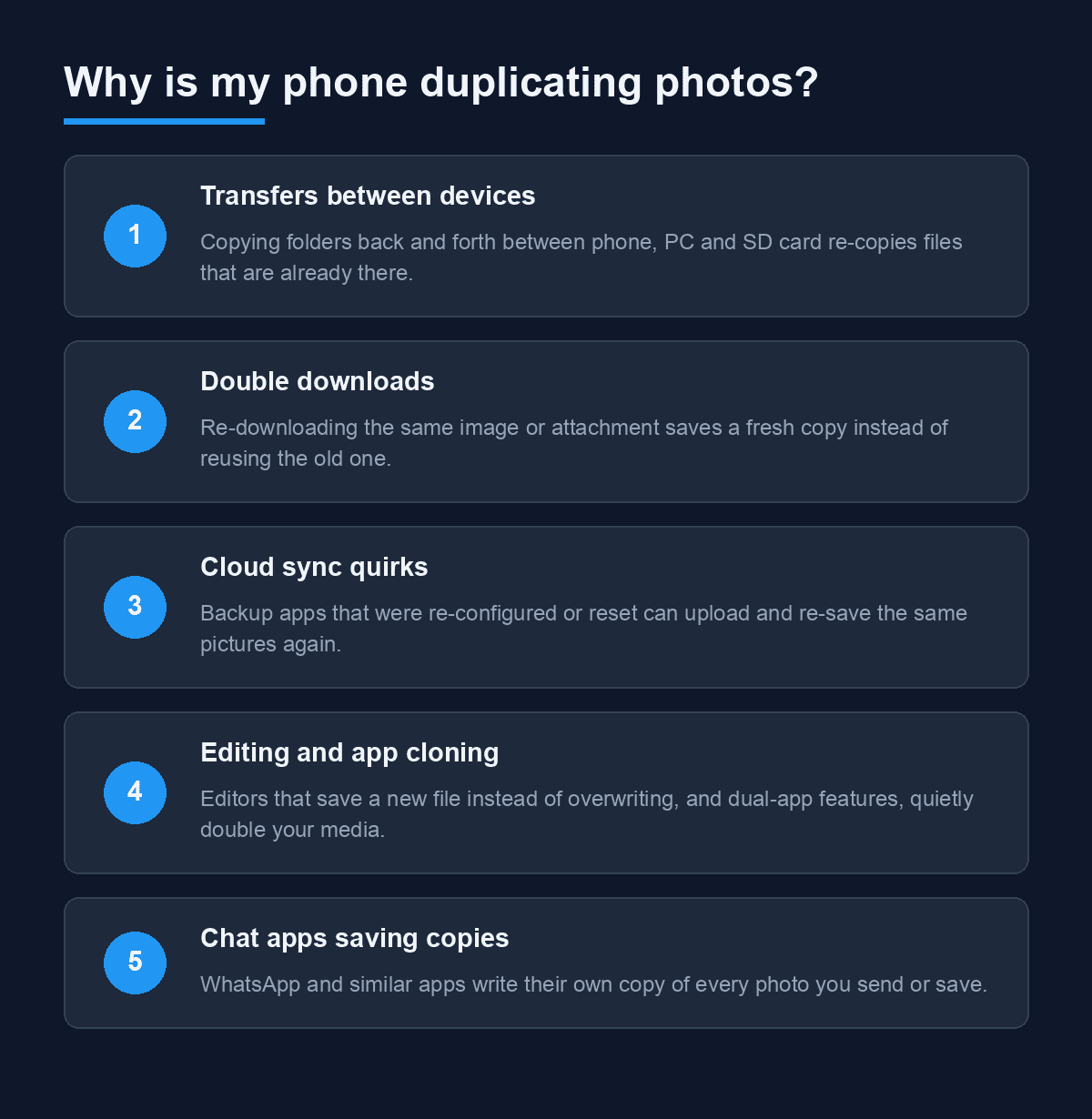
Phones rarely duplicate photos for no reason. In practice, one of these five habits is almost always responsible:
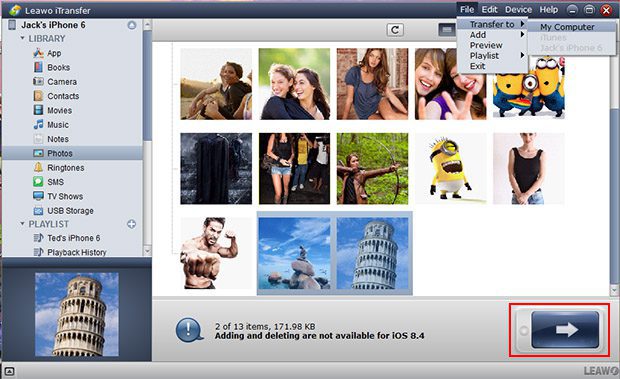
1. Transfers between devices. Copying a folder from phone to PC and back — especially with "always copy" instead of "skip existing" — re-copies files that never left.
2. Double downloads. Tap the same WhatsApp image or web photo twice, or re-download an email attachment, and your phone saves a fresh copy instead of reusing the first.
3. Cloud sync quirks. Restore a backup over an existing library, or re-set up a backup app after a reset, and previously uploaded pictures get saved again as new files.
4. Editing and app cloning. Photo editors that "save as new" instead of overwriting are a common culprit, and dual-app (app cloning) features can double media folders wholesale.
5. Chat apps saving copies. WhatsApp and similar apps write their own copy of every photo you receive into a separate folder — the original download plus the saved copy are both on your phone.
Knowing which of these applies to you matters, because deleting duplicates without fixing the habit means they'll be back within a week.
How to delete duplicate photos on Android
Method 1: Files by Google (the fastest way)
Google's file manager has a built-in duplicate finder, and it's free and safe — no cleaner-app ads, no fake "1,247 junk files found" scareware. It's pre-installed on most new Android phones; if yours doesn't have it, grab Files by Google from the Play Store.
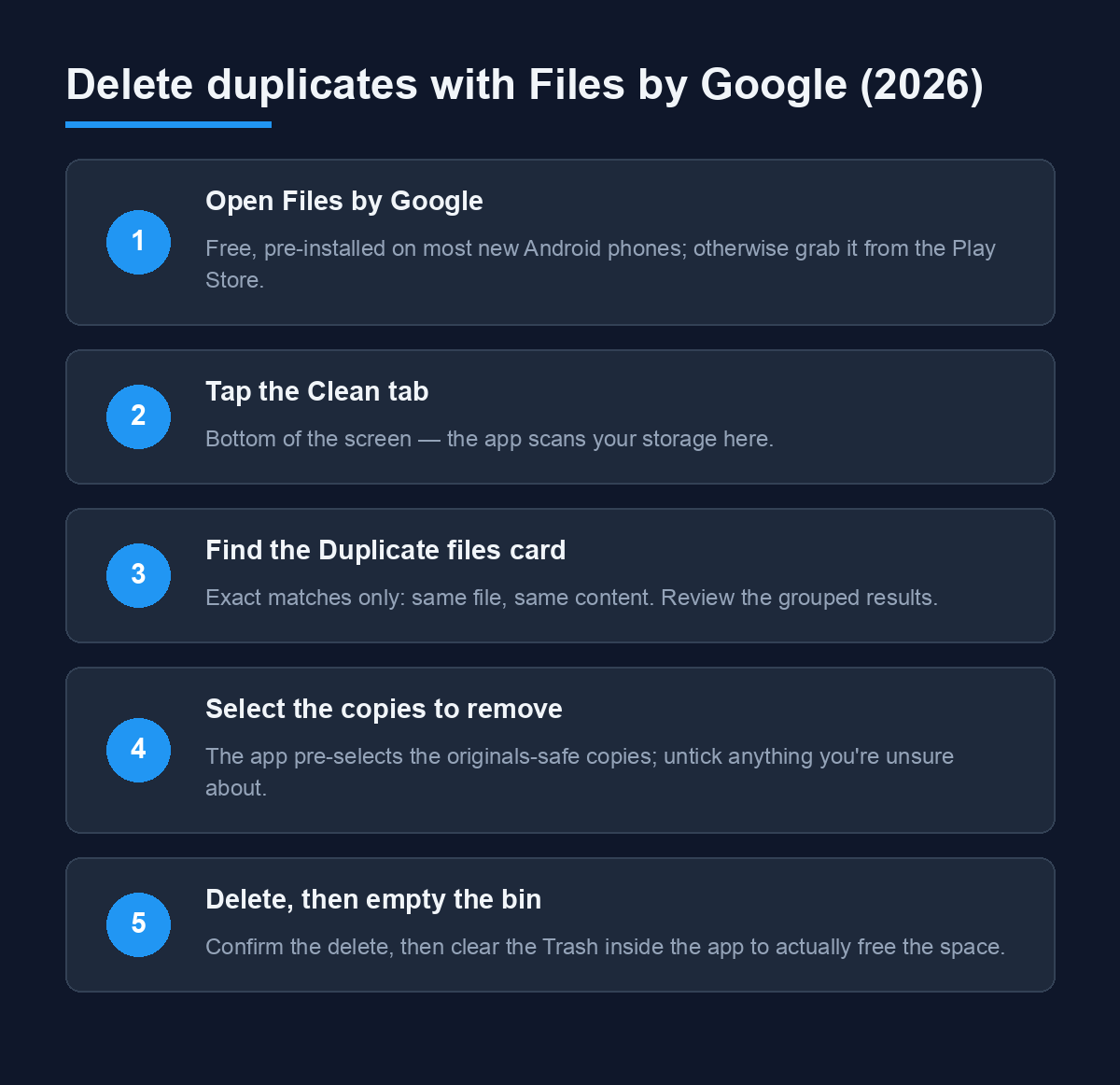
1. Open Files by Google and tap the Clean tab at the bottom.
2. Find the Duplicate files card and tap Select files. (Card placement varies slightly by app version — it may sit directly on the Clean tab or under a "Confirm and free up" group.)
3. Review the grouped results. The app only flags exact matches — identical content — and pre-selects the safe copies to remove, keeping one of each group.
4. Tap Move files to Trash (or Delete) to confirm.
5. Empty the trash: go to Menu → Clean → Trash (or Internal storage → Trash) and clear it. Nothing is actually freed until you do this.
One honest limitation: Files by Google matches identical files only. Two photos that differ by a single crop won't be flagged — for near-duplicates you need the manual review below or a desktop tool.
Method 2: Your gallery app's built-in cleaner
Many phone makers ship duplicate detection directly in the stock gallery. Samsung's Gallery (under ⋮ → Settings, or the "Manage" tools on recent One UI versions), Xiaomi's Gallery, and several others include a "Find similar/duplicate photos" or storage-manager entry that surfaces duplicates for review. The exact menu path differs by brand and software version, so look in the gallery's Albums or Settings area for anything named Clean, Manage, or Free up space. The workflow is the same everywhere: review the grouped matches, untick anything you want to keep, delete the rest.
Method 3: If you use Google Photos
Google Photos itself doesn't have a mobile duplicate-deletion tool — despite what many older guides (including a previous version of this one) claimed. Its storage manager estimates what you can safely remove, and it skips uploading exact duplicates of files it already has, but the copies on your phone stay on your phone. Use Files by Google for the deletion, then let Google Photos' Free up space tool reclaim the room once the duplicates are gone.
How to delete duplicate photos on iPhone
iPhones have had this solved natively since iOS 16, and the feature is still there in 2026 (on iOS 18 it lives in Albums; on iOS 26 it moved under Collections):
1. Open Photos → Albums (or Collections on iOS 26+) → scroll to Utilities.
2. Tap Duplicates. This section only appears when your library actually contains detected duplicates.
3. Review the pairs — Apple groups exact and near-duplicate photos and videos together.
4. Tap Merge on a pair, or Select → Select All → Merge to clear them all. The highest-quality version is kept and captions, keywords, and favourites are combined.
Per Apple's own iPhone User Guide, merging never loses metadata — it consolidates it onto the surviving copy, so a favourited low-res duplicate won't lose its favourite status when the high-res original survives.
Are third-party duplicate cleaner apps worth it?
For most people in 2026: no. Files by Google and the iPhone's Duplicates album cover exact duplicates free, without ads. The remaining gap is near-duplicates — bursts, crops, re-edits — and that's where desktop tools still earn their keep. Duplicate Photos Fixer Pro (official site) scans phones over USB from a Windows or Mac desktop and groups visually similar shots, which is faster than thumbing through a burst on a 6-inch screen.
If you go that route, one rule keeps you safe: never let a cleaner app "auto-fix" thousands of files in one click on its first run. Review one or two groups first, confirm it's picking sensibly, then let it loose. (Note the Play Store listing situation for cleaner apps changes often — verify any app you download is the genuine vendor build before granting it photo access.)
Stop duplicates from coming back
- Fix your transfer habit. When copying back to the phone, use "skip existing" or copy into a fresh folder and delete the old one.
- Tame WhatsApp media. Turn off Storage and data → Media auto-download for chats you don't need saved copies from.
- Back up with one service only. Running two backup apps on the same photo library is the classic recipe for sync duplicates.
- Run the scan monthly. The Files by Google Clean tab takes 30 seconds to check — catching five duplicates is easier than catching five hundred.
FAQ
Why does my phone duplicate photos when I transfer them to my PC?
Because the copy-back re-downloads files that are still on the phone. If you move photos to a PC, delete them from the phone as part of the same transfer, or copy into a new empty folder so old and new never mix. Files by Google will catch any that slip through.
Is Files by Google safe for deleting duplicates?
Yes — it only flags byte-identical files and keeps one copy of each group by default. It's Google's own file manager, shows no ads, and the trash can be reviewed before emptying. The main limitation is that it can't detect visually similar but not identical photos.
Why can't I see the Duplicates album on my iPhone?
The Duplicates section only appears when Photos has actually detected duplicates in your library. If it's missing, you have none to merge — or the scan hasn't finished yet on a very large library. Check again after the phone has been plugged in and locked overnight.
Do duplicates actually slow my phone down?
Storage pressure, not duplicates themselves, causes slowdowns. When your storage is nearly full, Android and iOS both lose performance — app installs fail, caches can't flush, and updates won't download. Clearing gigabytes of duplicate media relieves that pressure directly.
What's the difference between exact and near duplicates?
Exact duplicates are identical files — same bytes, even if the filename differs. Near duplicates are visually similar shots: bursts, crops, HDR-and-not pairs. Files by Google and the iPhone's Duplicates tool handle both exact and basic near-matches; heavy burst cleanup is best done on a desktop tool with a side-by-side preview.
Related reading
- Effective Ways to Transfer Files From Android to Android — move files without creating copies
- How to Find and Delete Duplicate Photos on Mac — the desktop side of the same cleanup
- How to Delete Duplicate Files From a Mac — documents, downloads and media too
Which method cleared the most space on your phone — Files by Google or the iPhone's merge? Tell us in the comments.