Quick answer
Build a mobile app in 2026 in six steps: pin the idea to specific functions, validate against the market, wireframe and prototype, choose a stack (native SwiftUI/Kotlin, cross-platform Flutter or React Native, or a PWA), build and test through TestFlight and Play testing tracks, then launch with App Store Optimization and iterate on real usage data.
Most app ideas die at the same two checkpoints: built for nobody in particular, or built before anyone checked whether the market wanted a second one. The process below is how working teams sequence the decisions, tightened for 2026 — where AI-assisted coding has cut build time, but idea validation, platform choice and distribution still decide whether the effort lands.
Written from experience shipping small apps and watching which steps people skip, and what skipping each one costs. Timeless process, 2026 specifics flagged where they changed.

Step 1: Pin the idea to specific functions
"An app that helps with fitness" is a direction, not a product. Pin it down by answering the boring questions in writing:
- What exact job does it do? (Track runs? Coach workouts? Sync gym equipment?)
- Who exactly uses it, and in what moment? (A runner mid-workout needs one-thumb UX; a meal planner is a sofa-and-Sunday activity.)
- What does the user walk away with after one session that they could not get without the app?
- Single-user, or does it need accounts, sharing, and a backend?
One sentence out: if the app cannot be described as "helps [who] do [what] without [the painful workaround]", it is not ready to build. This sentence later becomes your App Store subtitle and your pitch to anyone who helps you.
Step 2: Master the market before funding anything
Study what already serves the same job, without protecting your feelings:
- Download the three leading competitors. Use each for a week. Read their one-star reviews — that is the publicly available list of unmet needs.
- Note their pricing (subscription? one-time? ads?), their onboarding friction, and what they conspicuously do badly.
- Ask the three hard questions: what does the market need that does not exist? What can I do that competitors structurally cannot? If I had all of their features, why would anyone still pick mine?
If no honest answer survives the week, the idea needed a pivot, not an invoice to a developer. If answers exist, write them down — they become your positioning, your App Store description, and the features you build first.
Step 3: Wireframe and prototype before writing production code
A wireframe is the app built in clay: screens, flows, and the state of every screen when things go wrong (empty list, no network, error). Tools like Figma remain the standard, and AI-assisted mockup tools have made the first pass faster — but the value is not in the pixels. It is in walking through the flows and discovering that your registration flow has a dead end and your main screen needs three taps where one would do.
Two practical rules from shipped projects: design the empty and error states, not just the happy path; and test the prototype on five people who match your Step 2 user, watching where they hesitate. Their pauses are your UX bugs.
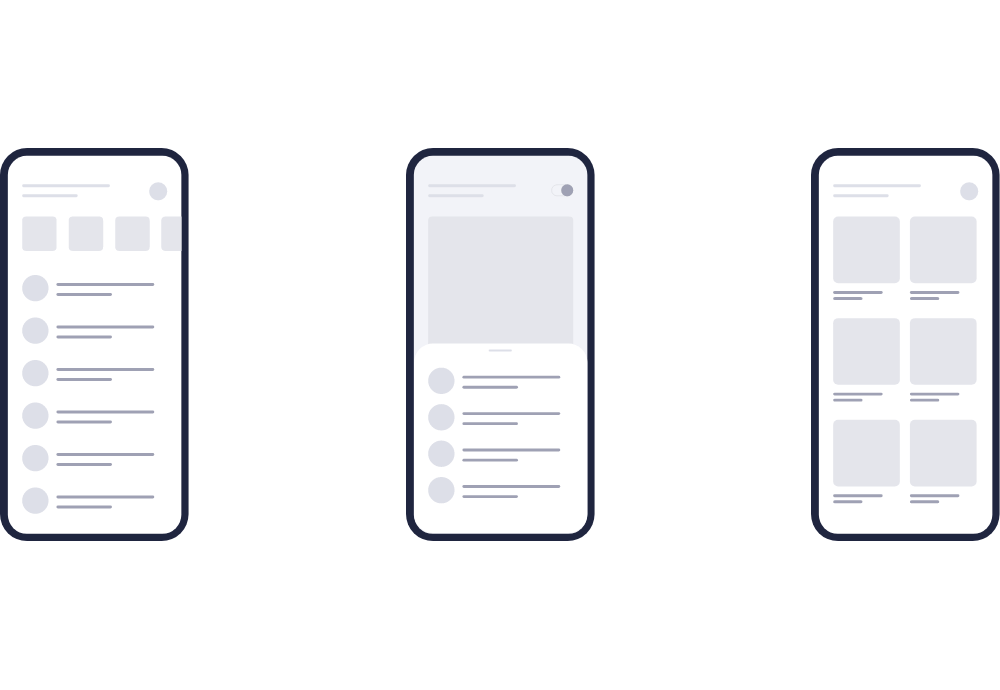
The prototype also doubles as collateral if you need co-founders, investors, or a development partner — it turns "trust me" into "look at this". If you plan to hand the build to an outside team, our guide to mobile app outsourcing for growing businesses covers the partner-selection step that follows.
Step 4: Choose the platform and stack
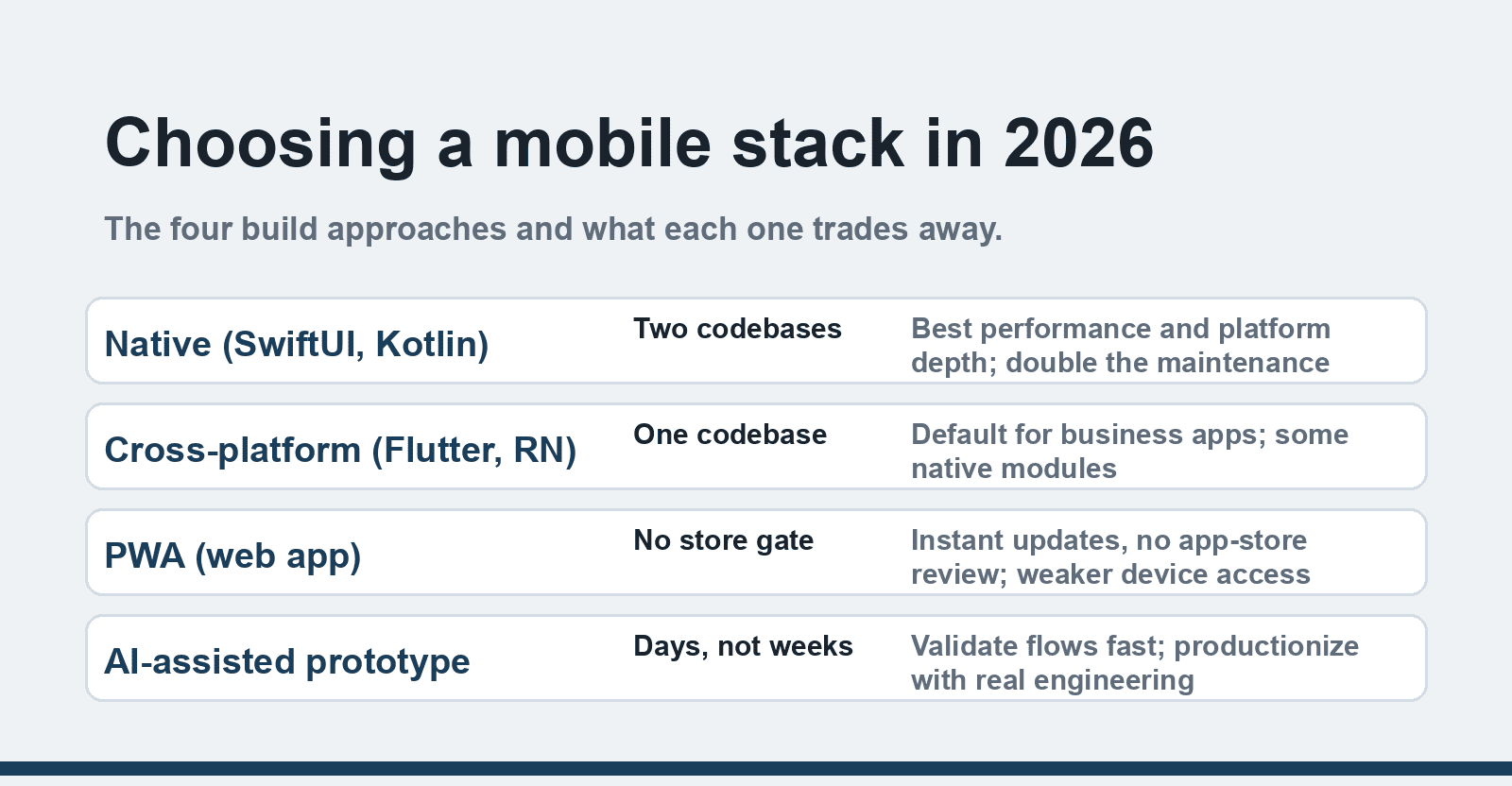
This is the decision with the longest cost tail. In 2026 the options have settled into four patterns:
| Approach | Stack | Best for | Watch out for |
|---|---|---|---|
| Native iOS + Android | SwiftUI / Jetpack Compose (Kotlin) | Performance-critical apps, deep platform features (camera pipelines, widgets, wearables) | Two codebases: roughly double the build and maintenance cost |
| Cross-platform | Flutter, or React Native / Kotlin Multiplatform | Most business apps, MVPs, teams with one codebase budget | Edge-case platform quirks; native module work still needed sometimes |
| PWA | Standard web tech | Content/service tools that must not fight app-store review; instant updates | No full push/store presence on iOS in some regions; weaker device access |
| Vibe-coded first draft | AI-assisted prototyping | Validating a flow in days instead of weeks | Productionizing AI-generated code takes real engineering; security review mandatory |
If you are torn between native and cross-platform, the deciding question is rarely performance — Flutter and RN cover most consumer apps fine. It is whether you genuinely need platform-specific depth on day one. Our Flutter pros and cons breakdown goes deep on that tradeoff.
Step 5: Build, then test with real people
Development takes longer than expected even when you expect that. The discipline that keeps it moving:
1. Build the thinnest version that completes the core job end to end — one screen per critical function, no settings pages yet.
2. Ship it to real testers early: TestFlight on iOS and Play Console's internal and closed testing tracks make distribution to a dozen testers an afternoon's work. You need a paid Apple Developer account ($99/year) and a one-time $25 Google Play fee.
3. Instrument the basics before launch: crash reporting (Crashlytics or equivalent) and an analytics event for each core action, so the first week of real usage tells you what people actually do.
4. Test on real devices — at minimum one small-screen Android, one large Android, and the newest iPhone you can borrow. The simulator lies about keyboards, notches and permissions.
Step 6: Launch, then iterate on evidence
App Store Optimization is the last technical step: a title with the main keyword, a first screenshot that sells the outcome (not the settings screen), and the one-sentence subtitle from Step 1. Launch quietly — get the first fifty reviews from your Step 5 testers and earliest users before pushing hard for volume, because conversion from store views installs better with social proof in place.
Then the part every 2022-era guide underestimated: the app is a service you operate. Store guidelines shift (privacy nutrition labels, account-deletion requirements), OS versions deprecate APIs, and users churn when the app stops responding to feedback. Budget a fraction of build cost per month for updates — an app frozen for a year is one OS release away from breaking.
FAQ
How much does it cost to develop a mobile app in 2026?
A focused MVP built by one experienced freelancer typically runs a few thousand to low five figures; agency builds for polished consumer apps start around $20,000-30,000 and climb with backends and integrations. AI tooling has compressed prototyping costs, not the cost of quality assurance, design polish and maintenance.
Native or cross-platform — which should I pick?
Cross-platform (Flutter or React Native) is the default for business apps and MVPs: one codebase, one team. Choose native when the app's core value depends on deep platform capabilities — advanced camera work, background processing, widgets — or when you can fund two codebases and want the last few percent of polish.
How long does it take to build an app?
A lean MVP: 2-4 months from validated design to store listing, assuming a small experienced team and no backend complexity. Consumer apps with accounts, payments and content systems: 4-8 months. Anything promising "one month" is either a prototype or a warning.
Do I need to know how to code to build an app?
To build and maintain a real product: yes at some level, or you partner with someone who does. AI coding tools let non-programmers assemble prototypes, but store compliance, security, and the maintenance burden in Step 6 are engineering work. The honest middle path: learn enough to direct developers and review their work.
How do free apps make money?
The standard models: ads, subscriptions with a free tier, one-time unlocks, and selling the app as a channel for a paid service. Our breakdown of how free apps make money covers the economics of each. Decide the model before Step 4 — it changes what you build (paywalls, analytics, ad SDKs are architectural).
Should I launch on iOS and Android at the same time?
Simultaneous launch is cleaner for marketing but doubles the review and bug-triage load. Many teams now launch one platform first — usually the one their audience overweights — use the first month to fix real issues, then port. Cross-platform stacks blur the distinction since most of the code ships to both anyway.