You plug in your phone, come back twenty minutes later, and the back is noticeably warm — hot, even, near the camera or the charging port. Is this normal, or the start of something? The honest answer: some warmth while charging is completely normal, because pushing that much energy into a battery in a short time releases heat. What matters is telling ordinary warmth apart from genuine overheating — because the fixes, and the risks, are different.
Quick answer: unplug the phone, take the case off, and set it on a hard surface out of the sun until it cools. Then work through the real causes: a cheap or damaged charger or cable, an app burning power in the background, heat trapped by the bed/case/wireless pad, fast charging pushed to its limit, or an aging battery. And if the back panel is lifting or the phone shuts down at random, stop charging entirely — that is a battery safety problem, not a settings problem.
Warm is normal, hot is a signal
Heat peaks in the first stretch of a charging session, when the charger is pushing maximum current, and tapers off as the battery fills. Warmth is also stronger with fast charging, wireless pads, and while you use the phone (gaming, video, navigation) plugged in. None of that is a fault.
Genuine trouble looks different: the phone is uncomfortably hot to hold, not just warm; it gets hot while idle and unplugged; charging suddenly crawls or pauses with a temperature notice; the phone shuts down on its own; or you see any physical change in the battery’s shape. Samsung specifies an optimal operating range of 32–95°F (0–35°C) for its phones and notes that charging is automatically limited outside a safe temperature range — which is exactly why an overheating phone also charges slowly. The heat and the slow charging are one system protecting itself.
What’s making it hot: five suspects
| Cause | The clue | Jump to |
|---|---|---|
| Charger or cable | Heat near the port or plug; a cheap no-name adapter; cable is frayed or loose; problem only started with a new charger | Fix 2 |
| Rogue app | Hot even late in charging; battery % drops fast after unplugging; heat started after installing something new | Fix 3 |
| Trapped heat | Charging on a bed, sofa, or in a thick case; wireless pad; phone in the sun or a warm room | Fix 4 |
| Fast charging strain | Very warm in the first 30 minutes, then fine; heat is worse with 25W+ adapters | Fix 5 |
| Aging battery | Phone is 3+ years old; heat comes with fast drain and percentage jumps | Fix 7 |
The fixes, in order
1. Unplug and cool it down properly
Google’s official advice for a too-hot Pixel applies to any phone: disconnect it from power, move it to a cooler place, and don’t use it until it has cooled down. Take the case off (a thick case is a winter coat), lay the phone on a hard surface in the shade — never under a pillow or blanket — and give it five to ten minutes. Do not put a hot phone in the fridge or freezer: the sudden temperature swing pulls condensation inside, and water damage is far worse than warmth.
2. Interrogate the charger and cable
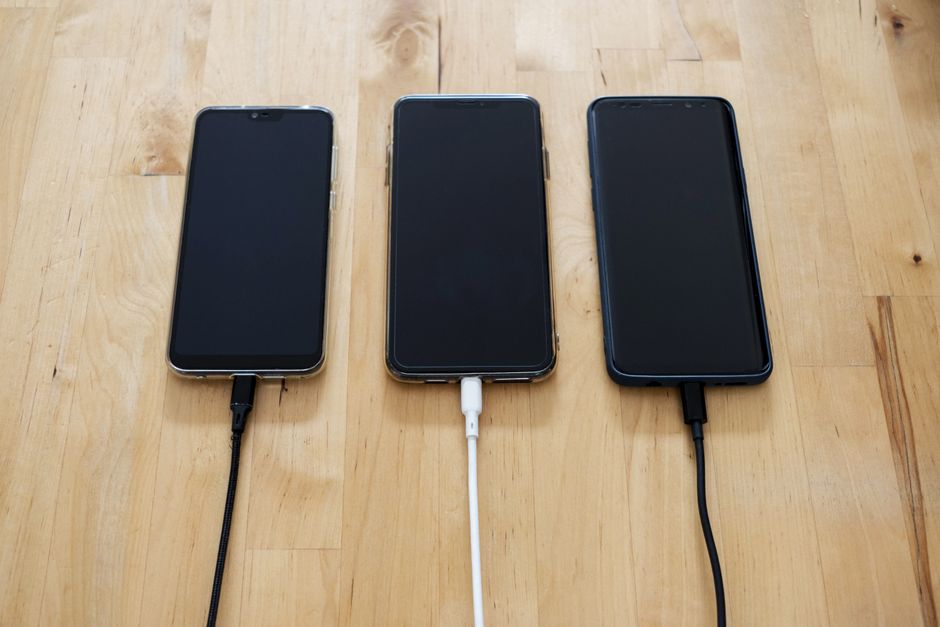
Off-brand chargers and worn cables are the most common culprit in real-world reports, and Samsung’s own battery-care guidance is blunt about it: always use an authentic cable and plug, because an incompatible charger can damage the USB port and the battery. Test like an engineer, not a worrier: charge for fifteen minutes with a different, known-good charger and cable — ideally the one the phone shipped with. If the heat stays away, retire the old accessory. Check the cable for fraying, kinks, and a plug that wobbles in the port; and prefer a wall outlet over a laptop USB port, which delivers slower, messier power.
3. Catch the app that’s burning power
If the phone heats up even when you are not using it while charging, something is working overtime in the background — a crashed app stuck in a loop, a bad update, or a sync service gone wild. Check the evidence: open Settings → Battery and look at the usage list since the last full charge. The top entry should be the screen; if some app you barely use sits near the top with high background activity, that is your suspect. Uninstall it, or restrict its background usage. If the list looks innocent but the heat persists, boot into safe mode — with all downloaded apps switched off — and charge once overnight; if the phone stays cool in safe mode, an app is guilty. We walk through the whole safe-mode isolation method in the Android slow-and-freezing fix guide.
4. Give the heat somewhere to go
Batteries hate two things: trapped warmth and charging while working hard. Charge on a nightstand, not under a pillow or blanket — bedding turns the phone into a heat storage unit, and this is the single most common self-inflicted cause. Skip thick rugged cases during charging sessions, or at least take the phone out of one if it runs warm. Prefer wired charging over wireless pads, which lose extra energy as heat in both the pad and the phone. And if you can, let the phone charge while idle — a gaming session plugged in makes the processor and the battery generate heat at the same time.

5. Turn the fast-charging dial down
Fast charging is the reason warmth concentrates in the first half-hour: high-wattage adapters push maximum current into an empty battery, then ease off. If your phone gets uncomfortably hot on a 25W or higher adapter, slow it down. On recent Samsung Galaxy models: Settings → Battery and device care → Battery → More battery settings, where you can toggle off Fast/fast cable charging (naming varies by model) and enable Protect battery, which caps charging at 85% to reduce battery stress overnight. Pixels and most other phones offer charge-optimizing options under Settings → Battery. Charging to 85–90% instead of 100% also helps over the long run — Samsung explicitly advises unplugging once the battery reaches full to avoid stressing it.
6. Install pending updates
A bugged OS or app version can mismanage power badly enough to produce heat — this is a classic “my phone started getting hot after an update” cause, and the fix arrives in the next patch. Update the system under Settings → System → Software update (Samsung: Settings → Software update), and update your apps in the Play Store (profile icon → Manage apps & device). If heat started right after a specific app updated, roll the suspicion onto that app — see fix 3.
7. Check the battery itself
Batteries are consumables. As they age, internal resistance rises, and a worn battery runs warmer while charging and drains faster — Samsung notes that high battery deterioration can even cause sudden shutdowns, and lists battery replacement at a service center as the remedy. Clues: the phone is 3+ years old, heat comes with rapid drain or percentage jumps, or the phone dies at 20–30%. Run the built-in diagnostics (on Galaxy: Samsung Members → Support → Phone diagnostics → Battery status); if the verdict is “poor,” a battery replacement typically transforms both heat and battery life. For the habits side, our Android battery-life tips and the common causes of fast battery drain cover the rest.
When heat is a safety problem: act, don’t troubleshoot
A swollen lithium battery is the one scenario where you stop diagnosing. Signs: the back panel or screen is lifting from the frame, the phone rocks on the table because of a bulge, the case suddenly fits tightly, or you notice a chemical or sweet odor. If that happens: unplug immediately, power the phone off, and don’t charge it again. Don’t press the battery, don’t try to “pop” the panel back, and don’t puncture or freeze it — take it to an authorized service center and let a technician handle removal. Random shutdowns without swelling deserve the same visit; repeated shutdown-and-restart cycles under heat mean the battery needs a professional look, and replacement is far cheaper than a new phone.
FAQ
Is it normal for a phone to get hot while charging?
Warm, yes — especially during the first half-hour of fast charging or while using the phone plugged in. Hot (uncomfortable to hold), hot while idle, or hot enough that charging pauses is not normal and has one of the five causes above.
Why does my phone get hot while charging but I’m not using it?
Something is running in the background. Check Settings → Battery for the top consumer since the last charge, uninstall or restrict it, and test again in safe mode if the list looks innocent. A background sync loop or a crashed app is usually to blame; a worn battery is the next suspect.
Can charging heat damage the battery?
Sustained heat accelerates battery wear — Samsung warns that continuous use or charging in extreme temperatures may speed up deterioration. An occasional warm session is harmless; a phone that regularly cooks while charging on a bed or in the sun is aging its battery months early.
Why does my phone charge slowly and get hot at the same time?
That is the thermal protection system working. Phones limit or pause charging when the battery leaves its safe temperature range, so the heat you feel is the reason the charge is slow — cool the phone down (fix 1) and charging speed returns.
Should I remove the case while charging?
If your phone runs warm, yes, at least during charging — a thick case insulates exactly the component that’s generating heat. It costs nothing and often drops the peak temperature on its own.
The bottom line
Warm while charging is physics; hot is information. Cool the phone down first, then eliminate causes in order of likelihood: swap in a trustworthy charger and cable, check the battery screen for a rogue app, charge on a hard surface out of soft furnishings, ease off fast charging, and test the battery’s health if the phone is aging. Respect the one red line — swelling or repeated shutdowns mean unplug and service, not troubleshooting.