I've spent six years on video calls — daily team standups, client reviews, Sunday-evening calls with my parents, and the occasional 40-person webinar. Across all of that, five apps have stayed installed on my phone and laptop since I first wrote this guide: Zoom, Microsoft Teams, FaceTime, Cisco Webex and Google Meet.
This is the 2026 refresh of our original 2020 article, and the list has genuinely changed. Skype was retired in May 2025, and Google Duo no longer exists as its own app — both were in the old version. Here's what's worth your time now.
Quick Answer
For most people, Zoom is still the best video calling app in 2026 — free for up to 100 people with a 40-minute group-call limit, and it works on every device. Use FaceTime if everyone's on Apple, Google Meet for instant calls from Gmail, Teams for work, and Webex when security matters.
What changed since our last update
Three things worth knowing if you read the earlier version of this article:
- Skype shut down on May 5, 2025. Microsoft retired the app after 22 years and moved everyday users to the free version of Microsoft Teams, with an option to migrate Skype chats and contacts. If Skype was your default, Teams is now your default.
- Google Duo is gone. Google finished merging Duo into Google Meet, so its simpler calling app survived under the Meet name. Your Duo call history carries over inside Meet.
- Zoom, FaceTime and Webex are all still here, with essentially the same free tiers — Zoom's 40-minute group limit hasn't budged.
The five best video calling apps compared
| App | Free time limit | People on free plan | Works on | Best for |
|---|---|---|---|---|
| Zoom | 40 min (group calls) | 100 | Windows, Mac, Linux, Android, iOS, web | Large meetings, webinars |
| Microsoft Teams | ~60 min (group calls) | 100 | Windows, Mac, Android, iOS, web | Work chat + calls in one place |
| FaceTime | None | 32 | iPhone, iPad, Mac; web links for Windows/Android | Apple-only families |
| Cisco Webex | ~40 min (meetings) | 100 | Windows, Mac, Android, iOS, web | Security-conscious teams |
| Google Meet | ~60 min | 100 | Any browser, Android, iOS | Instant calls from Gmail |
Free-tier limits change a few times a year — double-check the app's pricing page before you standardise on one.
1. Zoom — best for large group calls
I've run a weekly 15–20 person call on Zoom since 2020, and it's the one app that has never made me apologise to a client for a dropped call. It still does the small things well: active-speaker view highlights whoever is talking, so a 20-person call doesn't turn into guesswork, and the Windows, Android and web clients all behave the same way.
The free plan covers 100 participants with a 40-minute cap on group calls (one-to-one calls run far longer), which is usually enough for a catch-up but not a workshop. Paid plans lift the cap and scale to 500–1,000 participants with the large-meeting add-ons. End-to-end encryption is available as an optional mode you can switch on for sensitive calls.
Verdict: best for large group calls and webinars — nothing else matches the participant count at each price tier.
2. Microsoft Teams — best if your world already runs on Microsoft 365
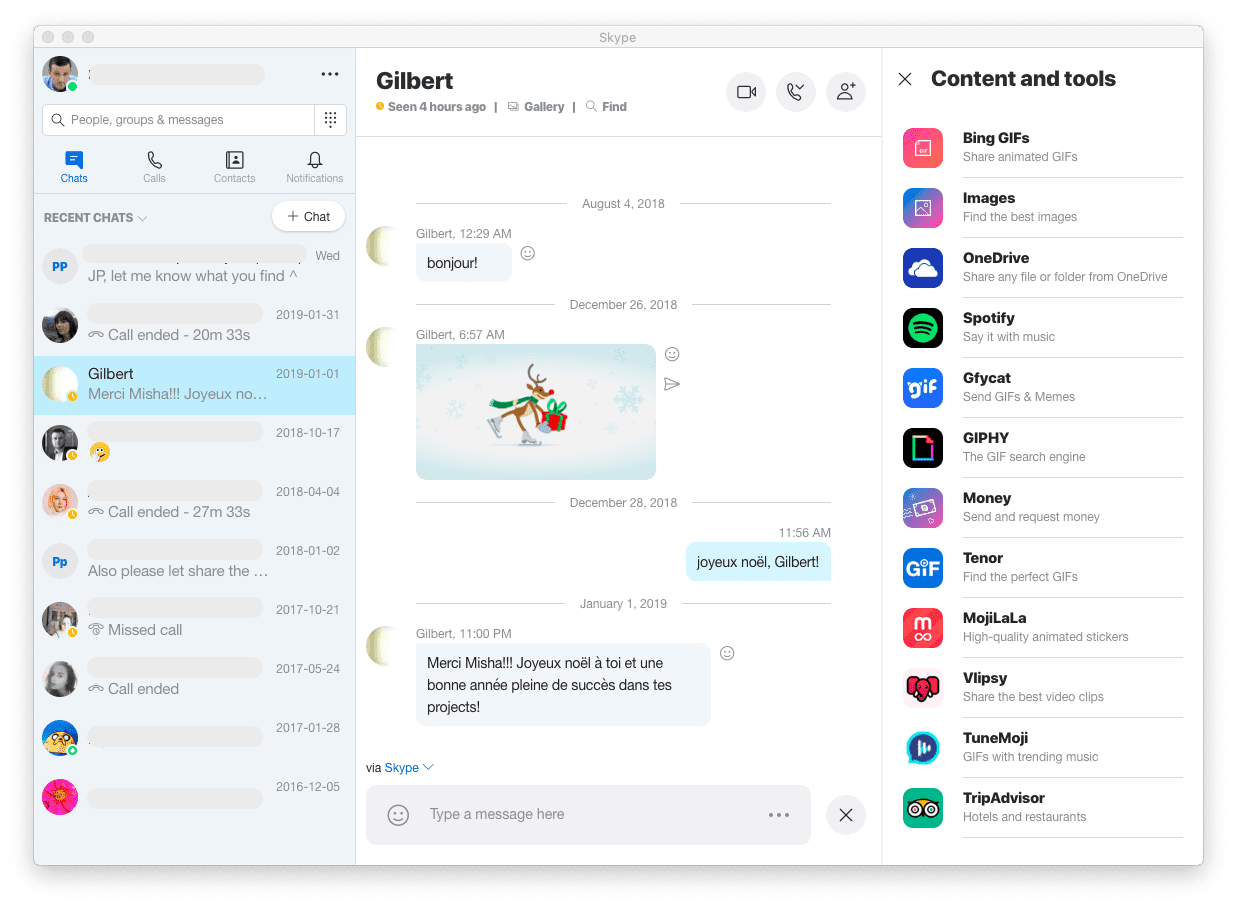
This slot belonged to Skype in the old version of this article. Skype — launched in 2003, the app that made video calling mainstream — was retired on May 5, 2025, and its successor for everyday users is the free version of Microsoft Teams.
The free tier handles group video calls with up to 100 people (expect a roughly 60-minute cap on group calls) alongside unlimited chat — which is the real draw. If your office or college already uses Microsoft 365, Teams is where your calendar, files and calls already live, so a separate calling app becomes redundant.
Verdict: best for work chat and calls in one place — and the natural landing spot for former Skype users.
3. FaceTime — best for Apple-only families
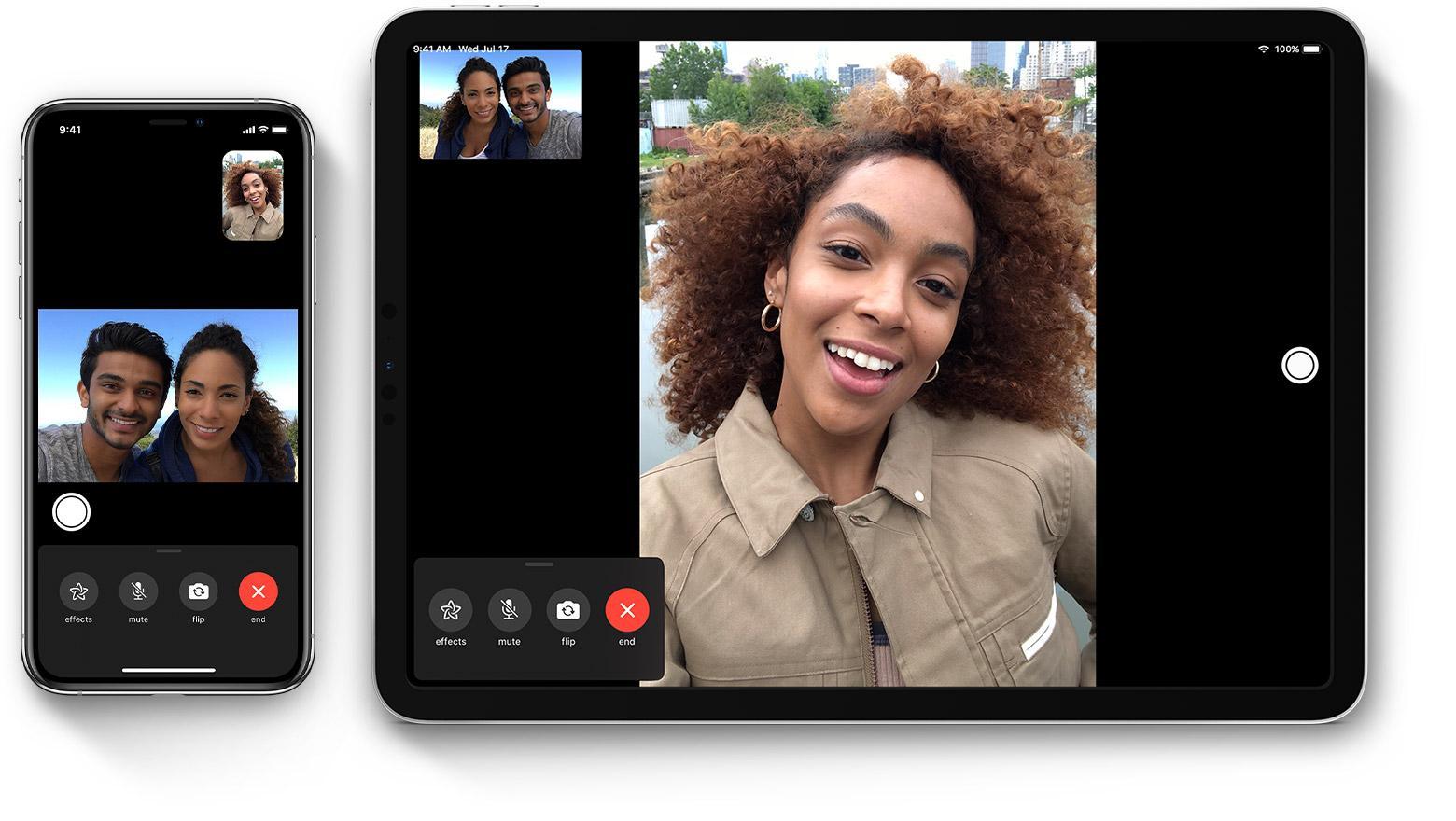
If my parents and I are all on iPhones, FaceTime is the call I make, because it's already in the dialer and the contact list. Group FaceTime handles up to 32 people with no time limit at all, and the speaker's tile grows automatically when they talk — the same trick Zoom uses, three taps earlier.
Since iOS 15 you can create a FaceTime link and send it to someone on Android or Windows; they join in the browser. It works, but it's clearly the consolation prize: fewer effects and features than the native app, and the host still needs an Apple device. Within Apple's wall, though, FaceTime is end-to-end encrypted by default, and little touches like Animoji and emoji effects keep my nieces entertained for entire calls.
Verdict: best when everyone involved is on Apple; send a link for the one Windows holdout.
4. Cisco Webex Meetings — best for security-conscious teams
Webex is the old-timer here — it predates every other app on this list, founded in 1995 and bought by Cisco for $3.2 billion in 2007 — and in 2026 it's still the one IT departments trust most. Meetings run in HD with screen sharing, host-controlled file sharing and a proper virtual whiteboard.
The free plan covers small meetings (around 40 minutes, up to 100 people), which is fine for a client check-in. Where Webex earns its keep is compliance: industries that need waiting rooms, granular host controls, locked meetings and strict data handling still standardise on it.
Verdict: best for regulated industries and security-conscious teams; overkill for a family call.
5. Google Meet — best for instant calls from Gmail
This slot was Google Duo's in the old article. Duo merged into Google Meet, and Meet kept the best of both: Duo's contact-based simplicity on mobile, plus the meeting flow of the original Meet. It lives inside tools you already have open — start a call straight from Gmail or a Google Calendar invite, and guests click one link to join in the browser with nothing to install.
It's also the app I trust on bad networks. Calls top out at 720p rather than chasing 1080p, and Meet lowers quality gracefully instead of freezing — on a 4G connection with two bars, Meet is usually the last call standing. The free tier allows up to 100 people for about an hour, and optional end-to-end encryption covers one-to-one calls.
Verdict: best for quick, no-install calls — especially if your life already runs on Gmail.
How to pick in 10 seconds: all-Apple family → FaceTime. Everyone on Gmail → Meet. Big group or webinar → Zoom. Work chat plus calls → Teams. Compliance requirements → Webex. Most people need only two of these five.
FAQ
Which video calling app is completely free?
All five apps in this list are free for everyday use, with limits. FaceTime has no time limit at all. Zoom, Teams, Meet and Webex cap free group calls at roughly 40–60 minutes, but personal calls stay free indefinitely. Only pay if you host long meetings or need more participants and host controls.
Is Skype still available in 2026?
No. Microsoft retired Skype on May 5, 2025 and moved its everyday users to the free version of Microsoft Teams, offering a way to migrate chats and contacts across. If an old contact still says "on Skype", that's muscle memory — the app now points them to Teams.
Which video calling app works on both Android and iPhone?
Zoom, Microsoft Teams, Google Meet and Webex all run natively on Android, iOS, Windows and Mac, so mixed-device groups are fine. FaceTime is the exception: full features are Apple-only, though since iOS 15 an iPhone user can send a link that lets Android and Windows friends join from a browser.
What's the best app for large group video calls?
Zoom. The free plan handles 100 people, and paid tiers scale to 500–1,000 with the large-meeting add-ons, plus breakout rooms and webinars. Webex is the alternative when you need host controls and compliance logging at scale. For a 30-person family reunion, Zoom's free 40 minutes is usually the only real constraint.
How much data does a video call use?
Roughly 500 MB to 1.5 GB per hour depending on the app and quality — an hour-long 720p group call sits near the top of that range. Google Meet is the kindest on weak connections because it drops quality instead of freezing. On a metered connection, switch to standard-definition video or go audio-only.
Are video calls end-to-end encrypted?
FaceTime is end-to-end encrypted by default. Zoom offers optional end-to-end encryption you can enable per meeting; Google Meet and Teams support it for one-to-one calls; Webex offers end-to-end encrypted meetings on paid plans. For everyday calls, all five encrypt traffic in transit — end-to-end encryption matters mostly for sensitive discussions.
Related reading
- Conference call etiquette that keeps meetings short
- Your guide to hosting a virtual conference
- Freelance or remote work: which is right for you?
- Emoji translators that turn plain texts into emojis
I've been on Zoom and Meet calls nearly every workday since 2020 — tell me your group size and devices in the comments, and I'll point you to the right app.