Four years ago this roundup mixed a spreadsheet-era answer (Google Drive) with an enterprise platform (Microsoft Azure) and called it done. In 2026 the small-business cloud has split cleanly into three jobs — the workspace where documents live, the sync layer that moves files between people, and the backup that saves you when the first two fail — and the right answer for most teams under ten people is one service from each column, not one service for everything.
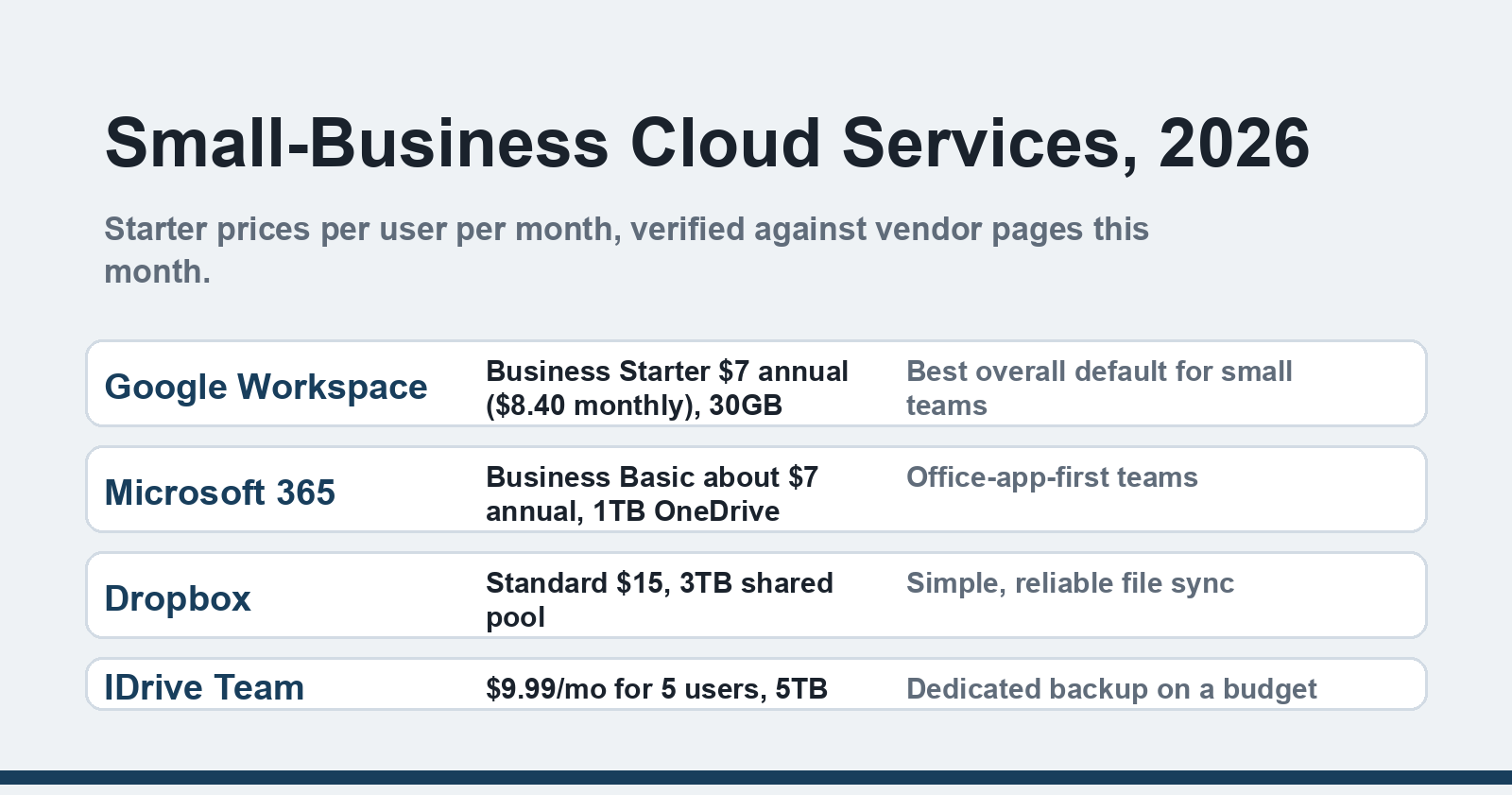
Quick answer: For most small businesses in 2026, Google Workspace Business Starter ($7/user/month) is the best cloud service to start with — email, Docs, Drive and Meet in one plan. Microsoft 365 Business Basic (~$7) suits Office-first teams, Dropbox Standard ($15) is the simplest shared file pool, and IDrive Team ($9.99) covers backup on a budget. Prices verified against vendor pages, October 2026.
What a "cloud service" actually covers
The category stretches over five very different products, and knowing which one you're shopping for prevents most bad purchases:
- Workspace suites (Google Workspace, Microsoft 365) — email, documents, calendar and storage in one subscription
- File sync and share (Dropbox, OneDrive, Google Drive standalone) — a shared pool of current files
- Backup (IDrive, Backblaze) — versioned copies of everything, including files people accidentally deleted months ago
- Cloud hosting (shared VPS through managed providers) — running your website or apps
- Infrastructure platforms (AWS, Azure) — servers you configure yourself
The original version of this article jumped straight from Google Drive to Azure as if they were interchangeable. They're not: Azure is a superb tool for a business that employs developers, and an expensive maze for one that doesn't.
The four services worth your attention
| Service | 2026 price | Storage | Best for |
|---|---|---|---|
| Google Workspace | $7/user/mo annual ($8.40 monthly) | 30GB pooled per user (Starter) | The default for small teams |
| Microsoft 365 | Business Basic ~$7/user/mo annual | 1TB OneDrive per user | Office-app-first teams |
| Dropbox | Standard $15/user/mo | 3TB shared per team | Simple, dependable sync |
| IDrive Team | $9.99/mo flat for 5 users | 5TB shared | Dedicated backup cheaply |
Google Workspace — the best default, and our verdict
The old conclusion — Google's ecosystem is the best starting point for a small local business — still holds in 2026, and Business Starter makes it concrete: custom email on your domain, Docs, Sheets, Meet for 100 participants, and 30GB of pooled Drive storage at $7 per user per month on an annual plan (see Google's pricing page — monthly billing runs $8.40). I've set up Workspace for a two-person shop and the whole migration took an afternoon; the part that saves money isn't the storage, it's not needing separate email hosting, a document system, and a video-call tool. Upgrade to Business Standard when you want 2TB pooled per user and recording, not before.
Microsoft 365 Business Basic — for teams that live in Office
If your accounting, contracts and client files are Word and Excel documents, Basic gives you web and mobile Office apps, 50GB business email, and a full terabyte of OneDrive per user for roughly $7 a month — with the caveat that Microsoft has been repricing its business plans to bundle Copilot, so check the current Microsoft 365 pricing page before committing. OneDrive's file sharing is competent, though the web Office experience still isn't quite the desktop apps; Basic deliberately excludes them. Teams that need desktop Office want Business Standard or Apps for Business.
Dropbox — the sync specialist
Dropbox's pitch hasn't changed and doesn't need to: files that sync reliably, appear on every device, and recover from disasters — Standard offers a 3TB shared pool, 180-day file history and watermarking at $15 per user per month (Dropbox's plan page has current terms). It remains the tool people forget they're using because it just works in the background. The flip side: $15 buys no email, no documents, no meetings — Dropbox is a layer, not a workspace. It's the pick when your team already has a workspace and keeps fighting over which copy of a file is current.
IDrive Team — backup that respects a small budget
Every workspace plan above protects you from a lost laptop; none of them protects you from ransomware encrypting everything, an employee bulk-deleting files, or a syncing mistake propagating a corrupted document everywhere. IDrive Team does that job for $9.99 a month covering five users and five machines with 5TB shared — real versioned backup, not sync (IDrive's pricing page lists the tiers up to 500TB). The client is clunkier than Dropbox, and that's fine: backup software is like a fire extinguisher, meant to sit quietly until the day it isn't.
A note on Azure, AWS and "the cloud" your developer mentions
The 2022 original recommended Microsoft Azure second, which read strangely between Google Drive and IDrive. Azure belongs in this conversation only when you're hosting a custom application or need compliance-grade infrastructure: then it's excellent, with tutorials that ease the learning curve. For website hosting, most small businesses want something far simpler — our walkthrough of shared VPS versus managed hosting covers that middle ground.
The verdict
Start with Google Workspace Business Starter — it replaced three subscriptions the last time we priced this out, and the free 15GB Google account remains a workable zero-cost trial for a solo business. Layer IDrive Team underneath it the moment client data starts accumulating, because workspace and backup answer different failure modes. Add Dropbox only if sync fights appear, and leave AWS and Azure until a real application demands them. Whichever you pick, read our earlier notes on switching to cloud computing before migrating, and then on protecting corporate cloud storage the week after — the disaster scenarios almost always involve sharing settings, not the vendor.
FAQ
Is there a genuinely free option for a one-person business?
Yes — a free Google account gives 15GB across Gmail and Drive, and Microsoft's OneDrive free tier gives 5GB. Both handle documents and basic sharing without a subscription. The paid tiers earn their $7 once you need a custom email domain, more storage, or admin controls over who can access what.
How much cloud storage does a small business actually need?
Count the largest shared folder, not the total: text documents are tiny, while design files, video and photo archives dominate. A five-person team sharing spreadsheets and PDFs fits comfortably in Workspace's 30GB per user; teams moving media or databases should look at the 2TB-tier plans or Dropbox's pooled 3TB from day one.
Can I mix providers — say, Workspace plus Dropbox?
You can, and plenty of teams do: workspace for email and documents, Dropbox for active project files, IDrive for backup. The two costs are money and attention — every extra place a file can live is one more place to search and one more permission setting to manage, so most businesses under ten people are better served by two services than four.
Which cloud service is the most secure for business files?
All four vendors here encrypt data in transit and at rest and offer two-factor authentication — enable 2FA everywhere before comparing anything else. The real security differences come from how your team shares files: link permissions, external sharing rules and offboarding ex-employees. Our piece on cloud storage security walks through the settings that actually prevent breaches.
What happens to my files if I cancel a plan?
Nothing immediately — Google, Microsoft, Dropbox and IDrive all keep data in read-only or degraded states for a grace period after a downgrade or lapse, though the windows differ by product. Export before you cancel: Google Takeout, Microsoft's export tools, and Dropbox's folder download all work. A backup copy in IDrive or an external drive makes the whole question moot.
Prices move and plan names change — re-check the vendor pages linked above before you commit, and put the migration on a quiet week, not the one before your biggest order of the year.