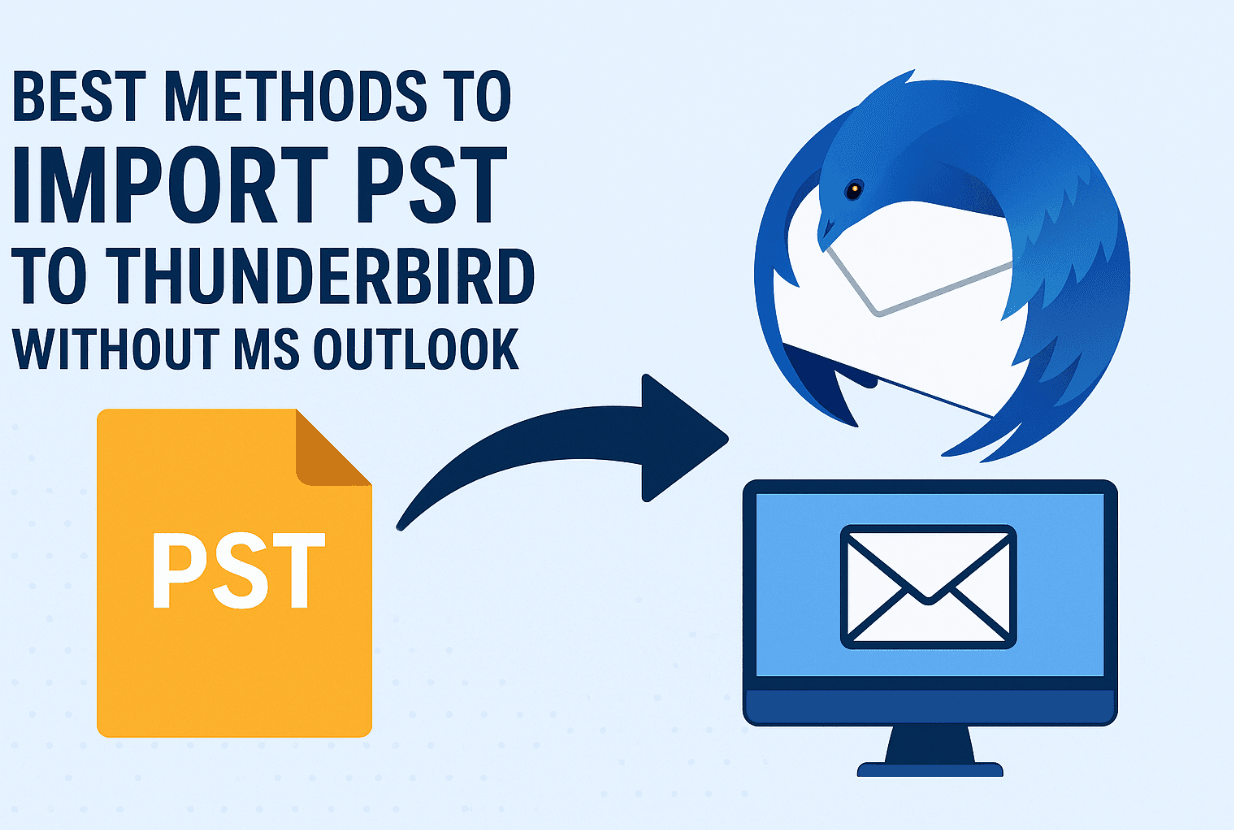
Moving years of Outlook mail to Thunderbird is a moment people usually reach after a laptop dies, a job changes, or Microsoft's push toward the new Outlook finally gets annoying — and Thunderbird is a genuinely good landing spot: it's free, open source, and runs on Windows, macOS and Linux. The catch is that Outlook stores everything in a PST file, a proprietary format Thunderbird can't open by itself.
I've done this migration more times than I can count, for myself and for family "IT support". Below are the four methods that actually work in 2026, in the order I'd try them, including one completely free path that needs no Outlook installation at all.
Quick answer: Thunderbird can't read PST files directly, so you convert first. The free, no-Outlook route is `readpst` (from the open-source LibPST project), which turns the PST into mbox folders you import with Thunderbird's ImportExportTools NG add-on. If you have Outlook on any machine, Thunderbird's built-in import wizard or the Gmail IMAP relay also work; paid converter tools like MacSonik's do it in one step.
Why this is fiddly: PST vs Thunderbird
A PST file is Outlook's private container for mail, calendars and contacts. It's a closed format, and Thunderbird deliberately uses open formats (mbox for folders, EML for messages). So "importing PST to Thunderbird" always means one thing: converting PST to something open first. Any method that skips that step is selling you something.
Worth knowing in 2026: Microsoft is steadily migrating Windows users to the new Outlook app, which can't even create or export PST files yet. If your mail history lives in an old PST, converting it now — while you still have a machine with classic Outlook access, if you need one — is a good idea.
Method 1: readpst — free, no Outlook required
LibPST's `readpst` utility is the honest answer to "how do I do this without Outlook". It reads the PST and writes out mbox folders that Thunderbird can ingest. It's a command-line tool, so this suits you if you're comfortable with a terminal (or willing to follow instructions exactly).
1. Get readpst. On Ubuntu/Debian: `sudo apt install pst-utils`. On macOS: `brew install libpst`. On Windows, use WSL (enable it from PowerShell with `wsl –install`, then run the apt command inside Ubuntu).
2. Convert the file. Run `readpst -r -o ./pst-out yourfile.pst`. You'll get a folder tree mirroring your Outlook folders, each as an mbox file.
3. Import into Thunderbird. Install the free ImportExportTools NG add-on (Add-ons and Themes → search), then right-click Local Folders → ImportExportTools NG → Import mbox file, and point it at each mbox (or the whole folder).
Everything — folders, attachments, read status — comes across. Dates and flags occasionally need a spot check, but in my experience readpst handles even decade-old PSTs cleanly. Cost: zero.
Method 2: Thunderbird's built-in import (needs Outlook installed)
If you have classic Outlook on the same Windows PC, Thunderbird can pull everything directly:
1. Open Thunderbird → ≡ menu → Tools → Import.
2. Choose Outlook, and Thunderbird walks through importing mail, and (with limits) addresses and settings.
It's the fastest path when the pieces are in place. The obvious catch: it needs desktop Outlook on that machine, which is exactly what many people migrating away don't have. If that's you, use Method 1 or 4.
Method 3: the Gmail IMAP relay (if you have Outlook anywhere)
This is the classic free workaround: Gmail becomes the bridge between the two clients. It needs Outlook at one end, so it only helps if any computer you own still has it.
1. In Gmail: Settings → See all settings → Forwarding and POP/IMAP → enable IMAP.
2. Add the Gmail account to Outlook (modern Outlook signs in with Google's own window; older versions may need a Google app password).
3. In Outlook, drag your PST mail into the new Gmail folders and let it sync up — for big mailboxes, run overnight.
4. In Thunderbird, add the same Gmail account via IMAP. Everything you uploaded appears, and stays available in both places.
The upside: your mail ends up backed up in the cloud too. The downside: it's slow for large archives and Gmail's labels don't map perfectly onto Outlook folders. We have a fuller walkthrough in how to transfer PST emails to Gmail, and once your mail is in Gmail you can even grab it as an archive file — importing Google Takeout data into Thunderbird is a neat trick when you'd rather keep a local copy.
Method 4: a dedicated converter tool (easiest, paid)
For non-technical users with a big PST and no Outlook anywhere, a converter app does the whole job in one window. The MacSonik PST File Converter is the tool we've linked before: load one or many PST files, pick Thunderbird as the target, and it writes folders Thunderbird imports directly. It also converts to other formats — EML, MBOX, PDF and more — and there's a detailed guide for the PST-to-Thunderbird flow on their site, plus a PST-to-PDF walkthrough if you need readable archives for legal or compliance reasons. A free demo lets you test with a few items before paying, which I'd always do first.
Alternatives in the same category exist (Stellar, SysTools and others) — if you go this route, the shopping rule is simple: confirm the tool handles your Outlook version's PST, and test with the demo before buying.
Which method should you pick?
| Method | Needs Outlook? | Cost | Difficulty | Best for |
|---|---|---|---|---|
| readpst + ImportExportTools NG | No | Free | Medium | No Outlook anywhere, comfortable with instructions |
| Thunderbird built-in import | Yes (same PC) | Free | Easy | Windows + classic Outlook installed |
| Gmail IMAP relay | Yes (once) | Free | Medium | Anyone who also wants a cloud backup |
| Converter tool (MacSonik etc.) | No | Paid | Easy | Non-technical users, large or many PSTs |
My default recommendation for most people: try readpst first if you're even slightly technical; pay for a converter the moment the terminal feels like a chore. Time is worth more than a $30-40 license.
Pitfalls to check after any migration
- Duplicate folders: import twice by accident and you'll see doubles — sort by date to spot them before deleting anything.
- Sent items: check the Sent folder specifically; some methods map it oddly.
- Attachments: open a few from different years and confirm they open.
- Corrupt PSTs: if the source PST came off a failing drive, scan it with Outlook's scanpst.exe (or let a converter's repair mode handle it) before converting.
FAQ
Can Thunderbird open a PST file directly?
No. Thunderbird reads open formats (mbox, EML) and the PST format is Microsoft's proprietary container, so the file must be converted first — either with free utilities like readpst, Thunderbird's Outlook import (which needs Outlook installed), or a converter app. Any claim that Thunderbird "opens PST natively" is wrong as of 2026.
What is the free way to import PST to Thunderbird without Outlook?
readpst from the LibPST project. It converts the PST into mbox folders at no cost, and Thunderbird's free ImportExportTools NG add-on imports them. It runs on Linux and macOS natively, and on Windows through WSL. The Gmail relay is the other free route, but it needs access to Outlook on some machine.
Will I lose my folders and attachments when converting?
Not with a proper conversion — folder structure, attachments, and read/unread status carry across in all four methods above. What can wobble are edge features: some calendar entries, contacts stored outside the PST, and Outlook categories/colors, which don't have a Thunderbird equivalent. Spot-check a few folders from different years after any migration.
How do I import PST contacts into Thunderbird?
Export contacts from the PST/Outlook side as a CSV (Outlook: File → Open & Export → Import/Export), then in Thunderbird use Address Book → Tools → Import → CSV and map the fields. Converter tools typically export contacts to vCard, which Thunderbird also imports cleanly. Check phone numbers and country codes on a few cards — field mapping is where contacts go wrong.
Is it safe to use third-party PST converters?
The established ones (MacSonik, Stellar, SysTools) are safe when downloaded from their official sites — they read your file locally and don't send mail anywhere. The real risks are cracked versions from download portals (malware) and tools from unknown vendors. Use the free demo to validate results on a small folder before buying, and keep your original PST untouched as the source of truth.
Where does Thunderbird store my imported mail?
In your profile folder — on Windows `%APPDATA%\Thunderbird\Profiles`, on macOS under `~/Library/Thunderbird/Profiles` — with each folder as an mbox file. Back up that profile folder and you've backed up your entire mail. It's one more reason Thunderbird appeals after Outlook: your mail finally lives in files you can copy, sync, and read with other tools.
Related reading
- Quickly import Google Takeout data to Thunderbird
- How to transfer PST emails to Gmail
- How to convert OST to PST: Stellar Converter guide
- How to convert Outlook emails to PDF for free
—
I've migrated enough mailboxes between Outlook and Thunderbird to know every way it can go sideways — if something looks off after your import, describe it in the comments and I'll help you fix it.