Multistreaming — sending one live broadcast to YouTube, Twitch, Facebook and elsewhere at the same time — has matured from a hacker workaround into a standard part of the streaming toolkit. Since this article was first published, the tools got simpler (browser studios now simulcast natively), the pricing got clearer, and the platforms themselves added quirks worth knowing before you route a single stream. Here's the updated how-to, plus honest 2026 verdicts on the ten major tools.
Quick Answer: To multistream in 2026, pick one of three methods: a multistreaming service like Restream or StreamYard (easiest — they forward your stream to every platform), OBS with multi-RTMP routing (free, more control), or a dedicated encoder like Wirecast or vMix (professional, paid). Expect platform quirks: TikTok and Instagram restrict third-party multistreaming, and each destination needs its own stream key.
What Is Multistreaming?
Multistreaming (simulcasting) broadcasts one live show to several platforms simultaneously. You stream once to a service (or encoder), which forwards copies to YouTube, Twitch, Facebook Live, LinkedIn and wherever else your audience lives. The value is arithmetic: your production effort stays constant while your reach multiplies — and each platform's audience sees the same event, which matters because almost nobody watches on more than one platform. Industry forecasts put video streaming in the hundreds of billions of dollars this decade (Grand View Research's ongoing market tracking has the long view), and simulcasting is how live creators cover more of it without more effort.
Why Bother Multistreaming?
- Audiences are fragmented by habit. Gamers live on Twitch/Kick, professionals on LinkedIn/YouTube, communities on Facebook. Being on one means being absent from the others.
- One production, several archives. Every simulcast lands as a VOD on its platform, multiplying discoverability from a single session.
- Platform risk insurance. Accounts get restricted, algorithms change; the audience you own on four platforms survives what one platform's mood does to one.
Three Ways to Multistream (2026)
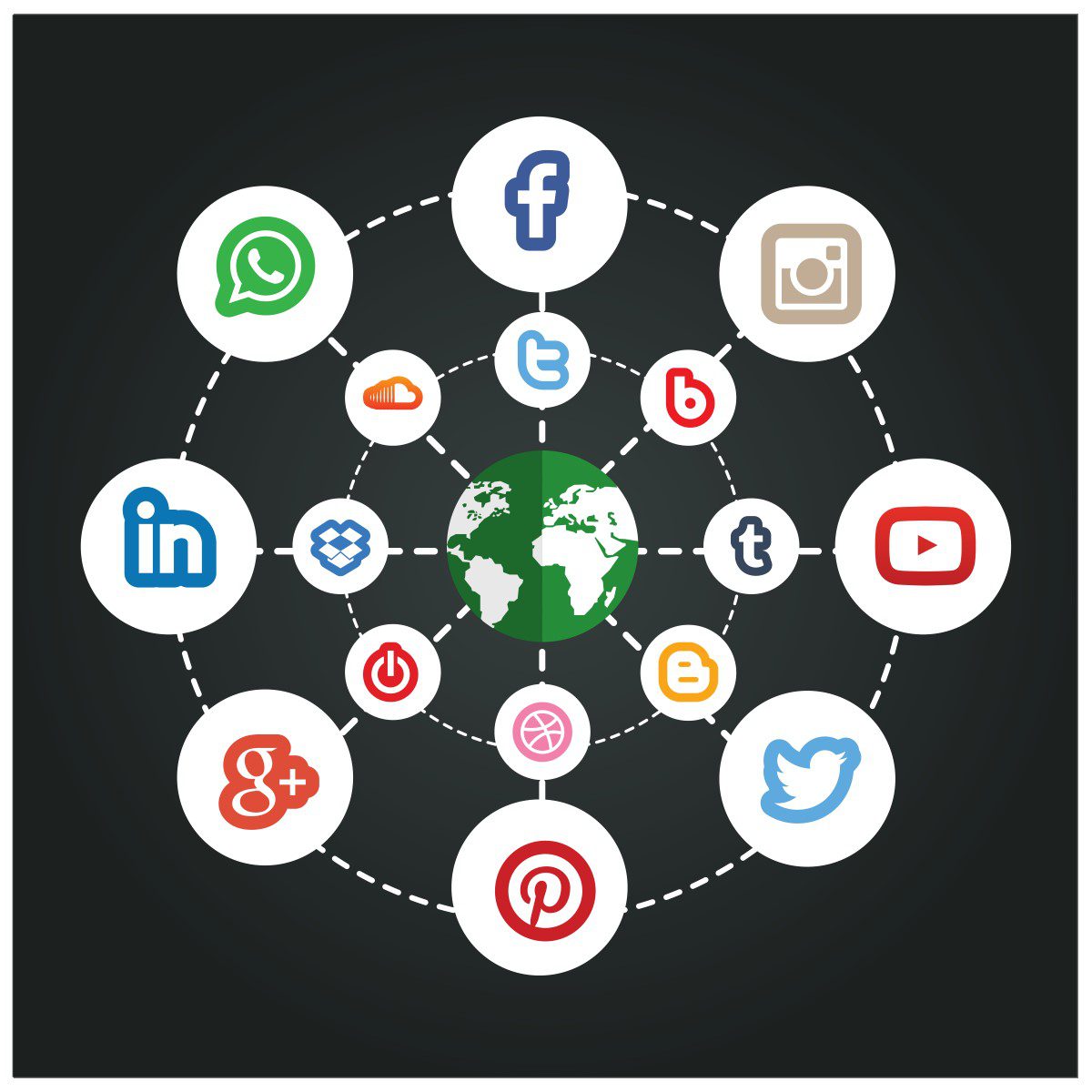
Method 1: A multistreaming service (easiest). Point your encoder (or webcam) at the service once; it forwards to all destinations and handles each platform's stream keys. Restream, StreamYard, Castr and Switchboard Live all work this way. Free tiers exist; paid plans scale with destination count and features. Best for: creators who want settings to stay simple.
Method 2: OBS with multi-RTMP (free). OBS Studio can output multiple custom RTMP destinations (natively for a few, or via plugins like Multiple RTMP Output). You run the forwarding yourself, so your upload bandwidth carries every stream. Best for: budget streamers with solid upload speeds who don't mind managing keys.
Method 3: A professional encoder (paid). Wirecast, vMix and XSplit Broadcaster support multiple simultaneous outputs with production-grade switching, graphics and replay. Best for: productions that already need an encoder's power and just want multistreaming built in.
Comparison Table
| Tool | Type | Price (2026) | Best for |
|---|---|---|---|
| Restream | Cloud service | Free tier; paid from ~$16+/mo | The default choice — widest platform support |
| StreamYard | Browser studio | Free (watermark); ~$25+/mo | Interviews and zero-setup simulcasting |
| Castr | Cloud service | Budget tiers | Streamers who also want VOD/embed players |
| Switchboard Live | Cloud service | Pay-per-destination | Teams simulcasting at scale |
| OBS Studio | Desktop encoder | Free forever | DIY multistreaming via multi-RTMP |
| SplitCam | Desktop (Windows) | Free | Webcam effects plus simple simulcast |
| XSplit Broadcaster | Desktop (Windows) | Licensed/paid | Windows streamers wanting polish |
| Wirecast | Desktop encoder | Premium license | Professional productions |
| BoxCast | Hardware + service | Enterprise/pricing-on-quote | Churches, venues, broadcast events |
| Vimeo (Livestream) | Platform suite | Paid tiers | Corporate webinars and events |
| OnTheFly | Browser studio | Free trial; subscription | Mobile-first studios; social clip repurposing |
The Tools, Reviewed for 2026
1. Restream
The category's center of gravity. Restream accepts one incoming stream and forwards it to 30+ destinations, records the session, and adds chat aggregation so comments from every platform land in one window. Its free tier covers limited destinations — enough to test the workflow — and paid tiers add destinations, storage and multi-guest studios. If you don't know which service to pick, pick this one; its platform integrations are the most maintained in the category.
2. StreamYard
StreamYard turned browser-based studios mainstream, and its simulcasting is one click per destination. It excels at interviews: guests join by link, layouts are drag-and-drop, and the recording lands in the cloud alongside the live copies. Free tier works (with watermark and limits); paid plans unlock branding and more destinations. For talk-format creators who value simplicity over tinkering, it's the lowest-friction path to multistreaming.
3. Castr
Castr bundles multistreaming with restreaming (pulling an existing stream and re-serving it), VOD hosting and embed players — useful for creators who embed streams on their own sites. Pricing undercuts the big names at entry level. Its interface assumes a bit more comfort with stream settings than StreamYard does.
4. Switchboard Live
A dedicated multistream forwarder built for teams that simulcast regularly — pay per destination slots, straightforward reliability, integrations with professional encoders. Less flashy than the studios; more infrastructure-like. Agencies and media teams are the natural users.
5. OBS Studio
Free, open-source, and the desktop encoder most streamers already run. Multistreaming happens via multiple RTMP outputs (a few destinations natively, more via plugins) — meaning your upload connection carries each copy, so budget bandwidth accordingly. Pair it with a free multistream forwarder and you get cloud forwarding without the subscription: arguably the best value setup in 2026 for tech-comfortable creators.
6. SplitCam
A free Windows tool combining webcam effects, virtual-camera output and simple simulcasting. It won't replace a studio, but for a webcam show broadcast to two or three platforms at zero cost, it does the job.
7. XSplit Broadcaster
The polished Windows encoder with built-in multistreaming to multiple services. License-based pricing after the free tier. Choose it over OBS if you want paid support and a gentler learning curve, and over cloud services if you prefer owning your workflow locally.
8. Wirecast
Telestream's professional encoder: production switching, graphics, ISO recording, and simultaneous outputs across platforms. Premium pricing puts it beyond hobbyists — this is the tool for productions where a dropped stream has consequences.
9. BoxCast
Hardware-plus-service aimed at churches, schools and venues: an encoder box plus a managed platform with simulcasting and archiving. Quote-based pricing. If your "studio" is a fixed venue rather than a desk, this is the dependable route.
10. Vimeo (Livestream)
Vimeo absorbed the Livestream brand; its platform now handles live events, webinars and simulcasting with corporate-friendly controls and privacy. Pricing is subscription-based and aimed at organizations — for businesses whose multistream is a town hall or product launch rather than a gaming stream.
11. OnTheFly
A browser studio (the original version of this article led with it; the 2026 view is more measured) with mobile-friendly production, social-video repurposing and simulcasting across major platforms. Worth a trial if you produce vertical/social clips from streams; the bigger names above have broader destination support and larger communities.
Platform Quirks to Know Before You Simulcast
- TikTok and Instagram restrict third-party multistreaming — TikTok requires live access and its own ecosystem tools; Instagram's API doesn't officially allow simulcast forwarding (workarounds exist via services with special access, but they can break).
- YouTube generally permits simulcasts (monetizable content rules still apply), but content that's just repackaged platform-locked streams can trip reused-content policies.
- LinkedIn Live requires access approval or going through a partner tool like Restream or StreamYard.
- Each destination needs its own stream key from its dashboard — services hide this work, but understanding it helps when one platform drops and the others don't.
- Upload bandwidth is the ceiling: cloud services need one clean upload to them; OBS multi-RTMP needs upload bandwidth equal to every stream combined.
FAQ
How do I stream to multiple platforms at the same time?
Three ways: use a multistreaming service (Restream, StreamYard, Castr) that forwards your single stream to every platform; run OBS with multiple RTMP outputs; or use a professional encoder (Wirecast, XSplit) with built-in multi-output. Connect each platform's stream key once, then go live once — every destination carries the same broadcast.
Is multistreaming allowed on Twitch, YouTube and Facebook?
Generally yes, with caveats. Twitch allows simulcasting to other platforms as of its 2023 policy relaxation (quality requirements still apply). YouTube allows it within normal content policies. Facebook permits it via services or RTMP. The exceptions: TikTok and Instagram heavily restrict third-party simulcasting, and platform-specific exclusivity deals can override all of this — always check the current terms of the platform where monetization matters most.
What is the best free multistreaming tool?
OBS Studio plus multi-RTMP output is the best fully-free setup (your bandwidth does the forwarding). For a free hosted option, Restream and StreamYard both offer free tiers with destination limits — enough to simulcast to two or three platforms. StreamYard's free tier is the friendliest for non-technical users; OBS is the most capable if you're willing to learn it.
Does multistreaming affect stream quality?
With cloud services, minimally — you send one stream to the service, which distributes it, so your quality depends on your single upload. With OBS multi-RTMP, quality depends on whether your upload bandwidth can carry every stream simultaneously (roughly 4–6 Mbps per 1080p destination). Plan for platform differences too: a 9:16 vertical feed for TikTok-style platforms needs separate layout handling from a 16:9 desktop stream.
Can I multistream to TikTok and Instagram?
Not straightforwardly. Instagram's API doesn't officially support third-party simulcast forwarding, and TikTok gates live access and its stream ecosystem. Some multistream services have negotiated official access or offer workarounds, but these change frequently and can fail mid-stream. The reliable path to both platforms remains their native apps — many creators run a phone-based native stream alongside the main simulcast rather than fighting the restriction.
How much upload speed do I need to multistream?
One clean 1080p stream needs about 4–6 Mbps up. Cloud multistreaming: that single 4–6 Mbps suffices regardless of destination count. OBS multi-RTMP: multiply by destinations — five platforms means 20–30+ Mbps up, which disqualifies many home connections. Test at speedtest.net at your intended stream time, when neighborhood congestion is highest.
Related Reading
- The Benefits of Building a Live Streaming App — the other side: streaming as a product.
- 7 Key Features of Network Switches to Unlock Your Gaming Potential — the wired backbone behind stable streams.
- How to Reduce Lag While Video Live Streaming — when the problem is latency, not bandwidth.
Which platforms do you simulcast to — and which service did you settle on? Tell us in the comments.