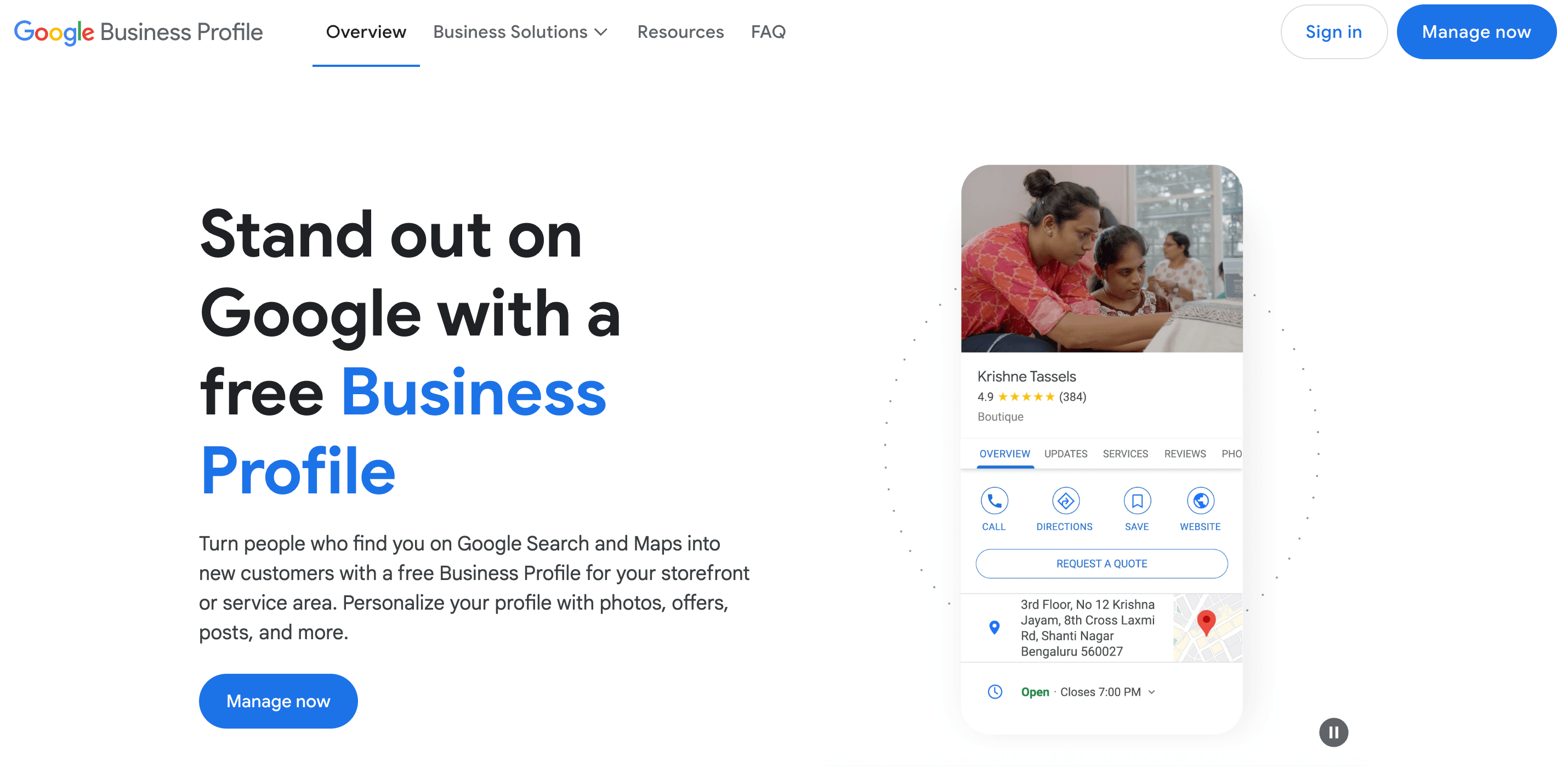
Google My Business — renamed Google Business Profile in 2021, though people still search the old name — is the single highest-leverage free tool a local business has. Your profile decides whether you appear in the map results when someone nearby searches for what you sell, and those map results get most of the clicks on local searches. Setting it up properly takes an afternoon; skipping it hands those customers to competitors.
Quick answer: Claim and verify your Google Business Profile, complete every field (name, address, phone, hours, category, photos), then keep it alive with reviews and weekly posts. Google ranks local results on relevance, distance and prominence — a complete, active profile improves all three.
Steps checked against Google's current Business Profile help documentation, October 2026.
What changed since the original guide
| What changed | When | What it means |
|---|---|---|
| Renamed from Google My Business to Google Business Profile | 2021 | Same tool; the old name still works in search |
| Standalone Business Profile app retired | 2024 | Manage everything in Google Search or Maps, signed in |
| AI review summaries in Maps | 2024-2025 | Google summarizes what reviewers say — review content matters more than star count |
| Richer search-result profiles | 2025-2026 | Profiles now act like mini landing pages with calls, messaging and offers built in |
1. Claim and verify your profile
Go to business.google.com, search for your business name, and claim it if it exists — Google often auto-creates listings from Maps data, which means someone needs to take control of the facts. If no listing exists, create one.
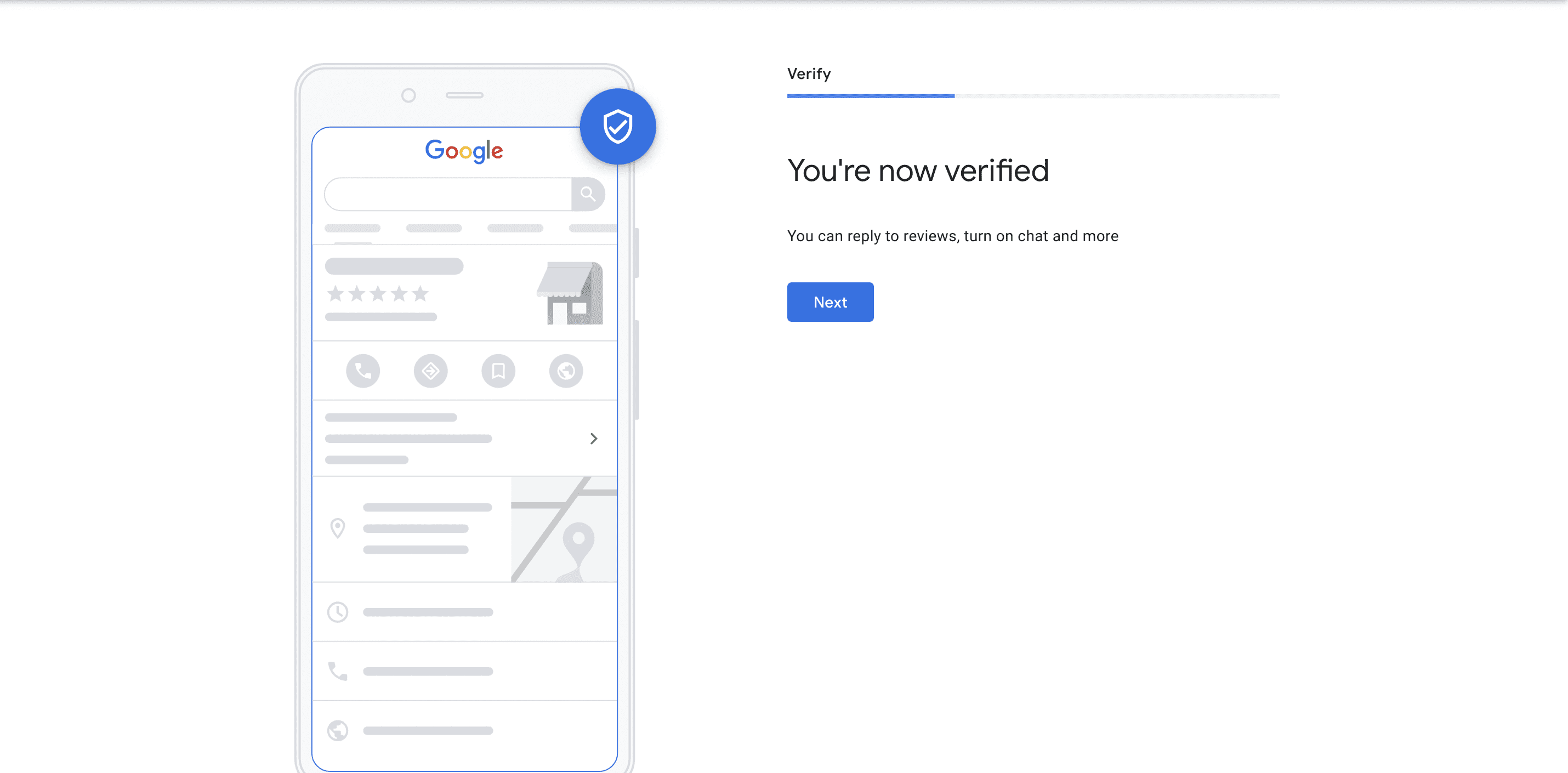
Verification proves you run the business. Google chooses the method: video verification (the most common now — you film your storefront, equipment and sign-in to the profile dashboard), a phone call or text, or email. Have documents ready: registration papers, a utility bill, photos of your signage. Most verifications complete within a few days; video reviews can take up to five. An unverified profile stays invisible in results, so do this before anything else.
2. Get the basics exactly right
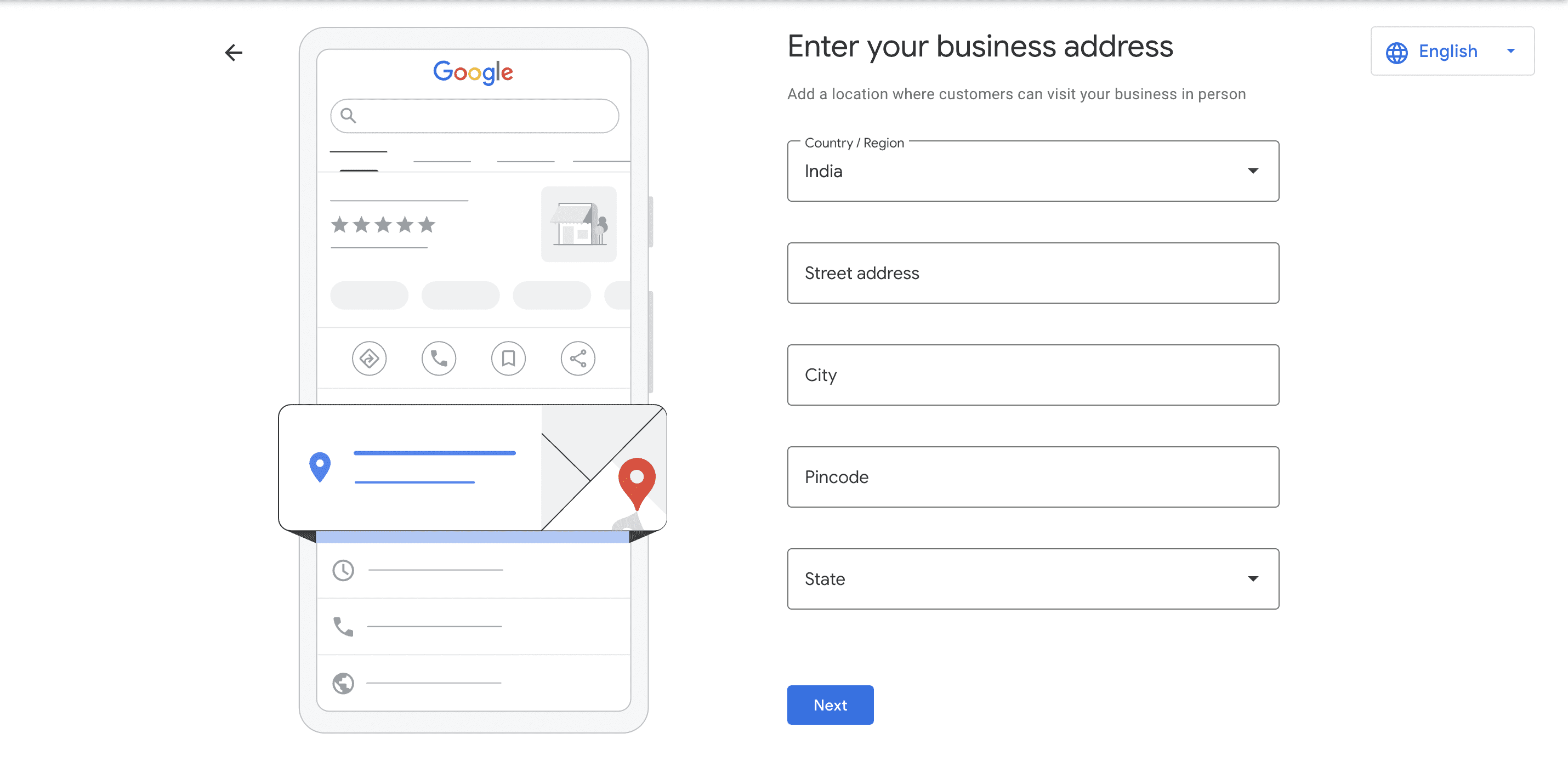
Your business name, address and phone (NAP) must match everywhere — website, directories, social accounts. Google cross-checks these citations, and mismatches erode the trust your ranking depends on.
- Name: use your real business name. Adding keywords ("Binny's Plumbing and Best Cheap plumber") violates Google's guidelines and risks suspension.
- Address: enter it exactly as it appears on your signage. Service-area businesses (plumbers, tutors, caterers) can hide the street address and define service areas instead.
- Phone and website: use a local number where possible, and a website URL that goes to the most relevant page, not necessarily the homepage.
3. Pick the right categories
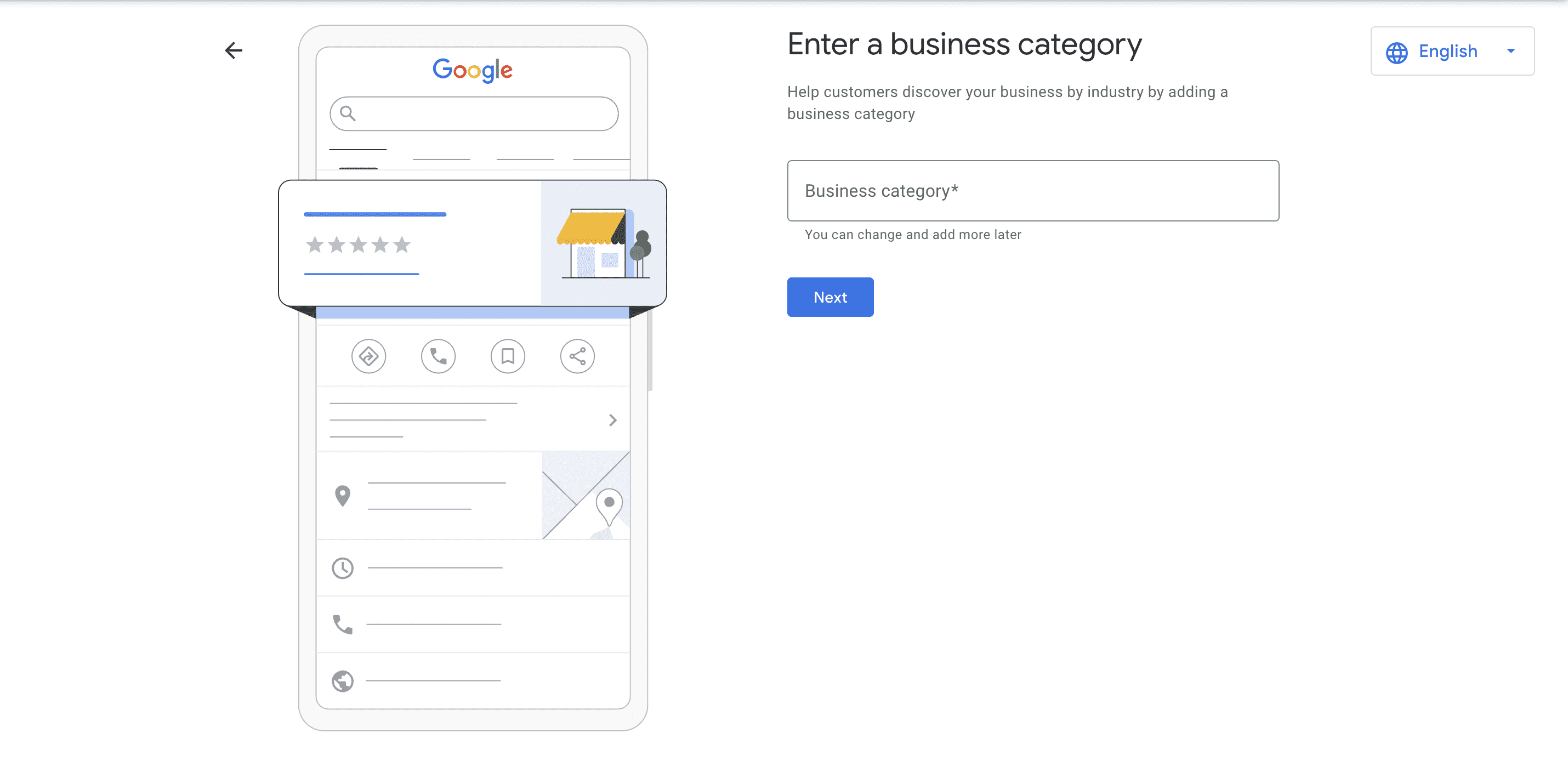
The primary category is one of the strongest local ranking signals. Choose the one that describes your core business — a bakery chooses Bakery, not Food Producer — then add secondary categories for genuine additional services. You can change categories later, but start with the most specific fit and resist stuffing every category that partially applies: Google matches categories to search intent, and focus wins.
4. Add photos that show the real business
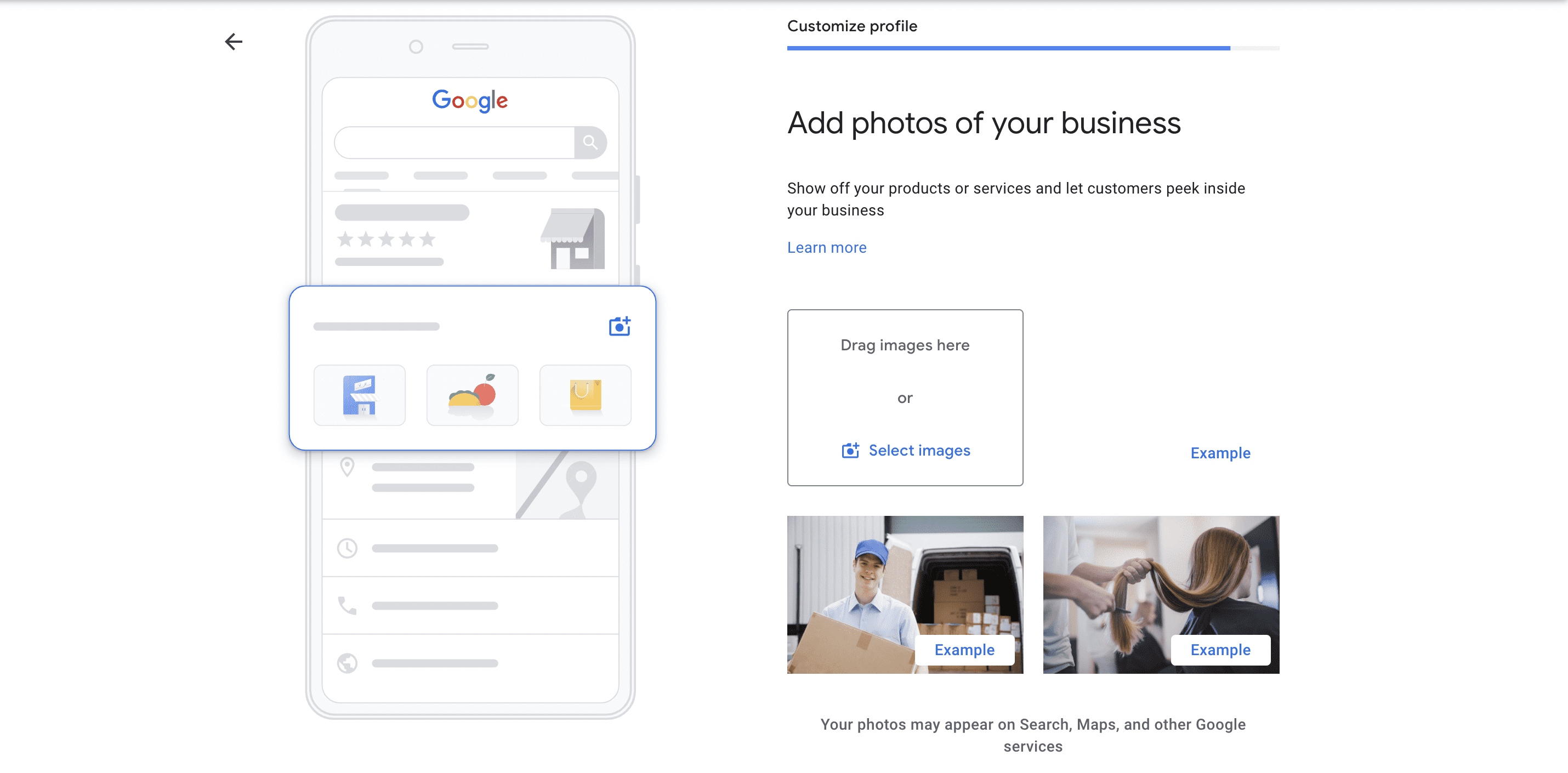
Google's own data has long shown that businesses with photos get measurably more direction requests and website clicks. Upload recent shots of your storefront (helps customers spot you and helps Google match photos to your location), your interior, your products or work in progress, and your team. Add a few every month — profiles with fresh photos stay more visible in discovery, and Google timestamps everything, so a profile last photographed in 2023 reads as stale.
5. Earn reviews — and answer all of them
Reviews drive two of the three ranking factors at once: prominence (your average and volume) and relevance (the phrases customers naturally use, which Google's AI summaries now surface directly in Maps). Ask happy customers shortly after a good interaction — a text with your direct review link converts best. Then respond to every review, positive or not. A calm, specific reply to a critical review does more for conversion than ten five-star ratings, and it signals to both Google and future customers that someone actually runs this place.
6. Keep hours and holiday timings accurate
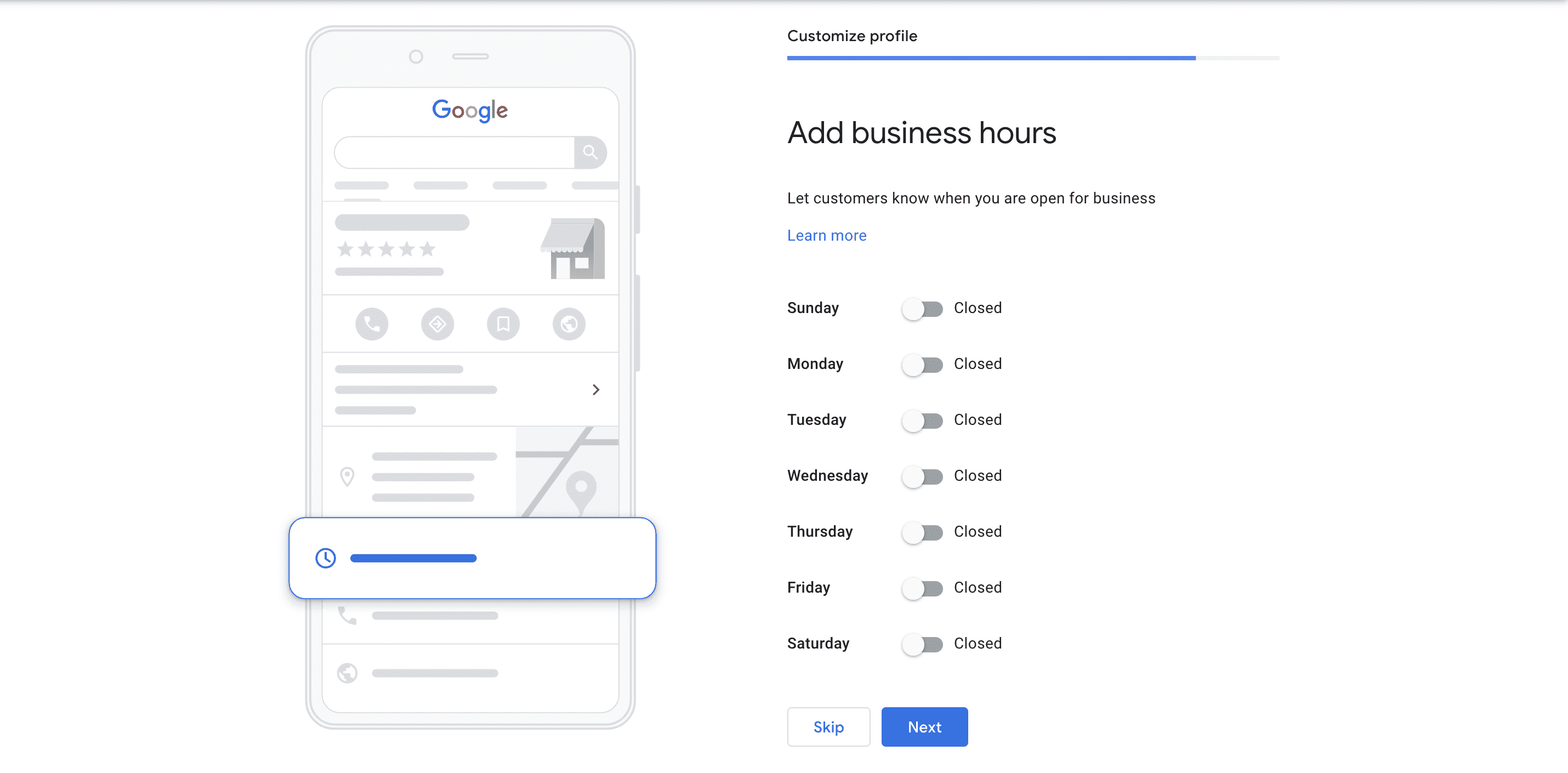
Wrong hours are the fastest way to lose trust — a customer who drives to a closed shop rarely returns. Set regular hours, then add special hours for every holiday and one-off change at least a week ahead. Turn on the "more hours" fields if you offer distinct pickup, delivery or appointment windows.
7. Post weekly, and use the built-in features
Profiles support updates, offers, events and direct messaging. A short weekly post — a new dish, a seasonal offer, a workshop date — keeps the profile active and gives searchers a reason to tap through. Turn on messaging if someone can genuinely answer within the hour; an unanswered chat badge is worse than no badge. Fill the attributes (wheelchair accessible, Wi-Fi, payment types) because they feed the filter buttons searchers use.
How Google actually ranks local results
Google's local ranking documentation names three factors:
- Relevance — how well your profile matches the query. Your primary category, your description, your services and your review content all feed this.
- Distance — how far you are from the searcher. You cannot change where you are, but a complete profile helps Google place you correctly.
- Prominence — how well-known you are: review count and average, citations across the web, links, and how much people talk about you offline. Google's local ranking documentation spells all three out. This is the slow-building factor; there is no shortcut.
What you control is relevance and prominence. That is why the checklist above works — it is not a list of tricks, it is the ranking system, expressed as fields.
Where AI now sits in local search
Two recent changes are worth understanding. First, Google Maps generates AI summaries of review themes, so a profile whose reviews consistently mention "fast repair" or "fair pricing" gets those phrases surfaced to searchers — and the way to influence that is service quality, not review begging. Second, AI Overviews and the richer in-search profiles mean some customers now get their answer (hours, reviews, a call button) without ever clicking through to your website. A complete profile is no longer just a funnel to your site; it increasingly is the storefront.
I've set up Business Profiles for a few small businesses, and the pattern is always the same: the ones that treat the profile as a weekly five-minute habit outrank the ones that filed it under "set and forget" — same town, same budget.
Related reading
- How to Optimize Your Google My Business Listing: Tips and Best Practices
- How to Get More Online Reviews for Your Business
- How Much Does Local SEO Cost for Small Businesses?
- The Role of Local SEO in Business Success
Frequently asked questions
Is Google Business Profile free?
Yes — claiming, verifying, posts, photos, messaging and the performance reports are all free. Google sells ads that can appear alongside local results, but the organic profile itself costs nothing, and no agency can pay Google to rank you higher in the map pack.
What happened to the Google My Business app?
Google retired the standalone app in 2024. Manage your profile by signing into Google and searching your business name, or on Maps — the controls appear directly in the search results. The web dashboard at business.google.com still works.
How long does Business Profile verification take?
Phone, text and email verification are usually instant to a few days. Video verification — the most common method now — can take up to five days for Google to review. If verification fails twice, use the official support contact form with your registration documents handy.
Do keywords in my business name help ranking?
No — and keyword-stuffed names are a suspension risk. Google's guidelines require your real-world business name. The place keywords genuinely help is your business description, your services list, and the words customers use in reviews.
Set up the profile in one afternoon, then give it five minutes a week — that habit is what the whole local pack actually rewards.