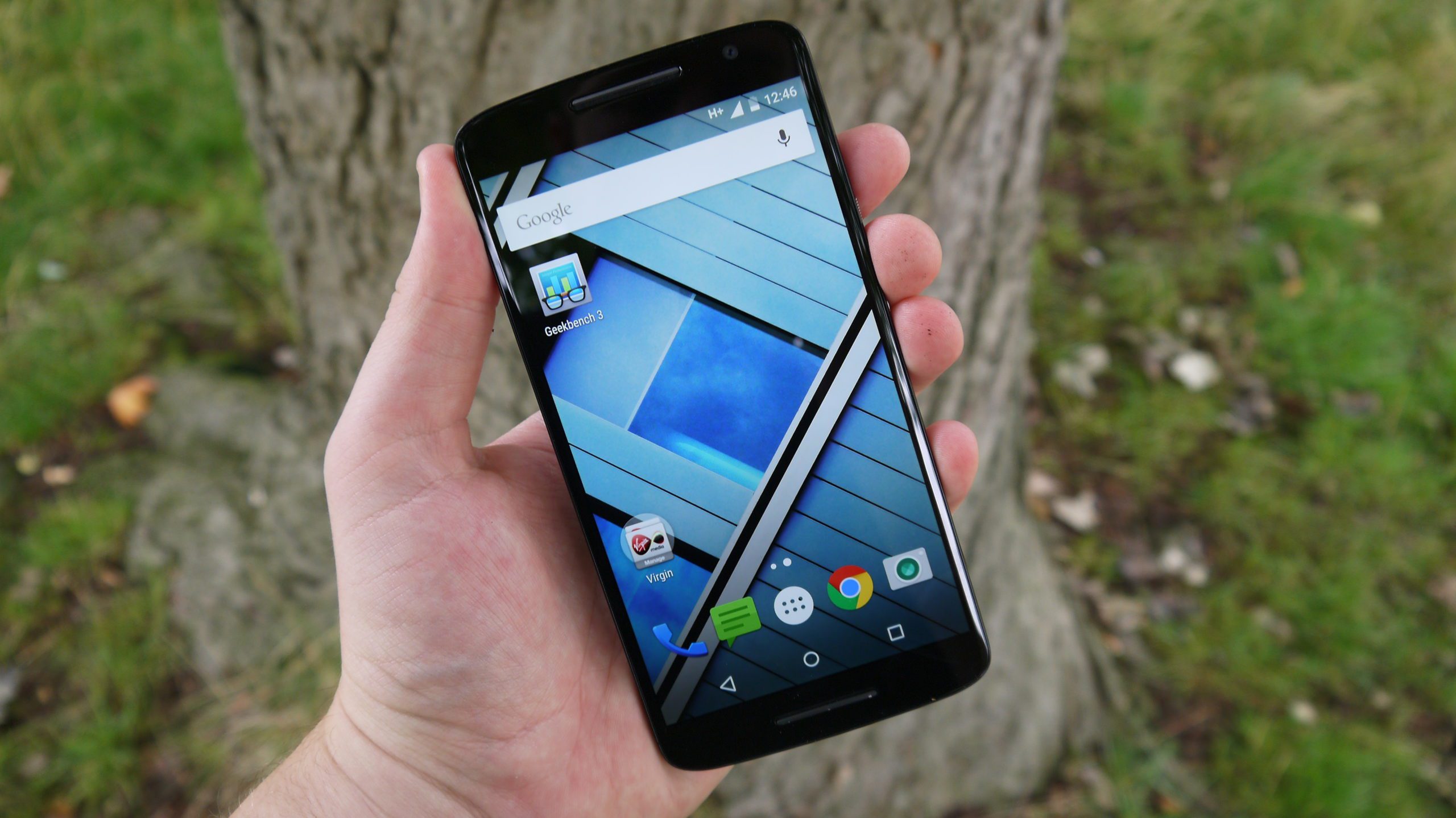
A phone case is the cheapest insurance you will ever buy for a device that costs a month's salary — and the most confusing accessory aisle to shop in. Drop ratings, Qi2 magnets, clear cases that stay clear (and ones that lie about it), and the new buttons phones keep adding: here is how to pick a case that actually fits how you use your phone in 2026, not just how it photographs.
Quick Answer: Pick a case by three checks: a raised lip around screen and camera, drop protection from a brand that publishes test results (MIL-STD-810G is marketing, independent drop tests are not), and compatibility with your phone's charging — Qi2 magnetic alignment in 2026, plus a proper cutout or conductive cover if your phone has a Camera Control-style button. Material decides the feel: TPU for grip, polycarbonate hybrids for slimmer pockets, aramid fiber for minimalists.
Recommendations reflect case availability and current standards (Qi2, Camera Control buttons) as of October 2026.
Start with what the case must survive
Honesty first: most phone deaths are waist-height drops onto hard floors, not disasters. A case earns its keep on the details — a lip raised 1mm or more above the screen face, another around the camera bump (which is now enormous on most flagships), and some structure in the corners, where drops concentrate force. The "military-grade" MIL-STD-810G stamp appears on $10 cases and means little by itself; what separates real protection is a published drop-test height (10-12 feet for serious cases like OtterBox or UAG, 6-8 feet for everyday ones like Spigen or Mous) and corner air pockets or impact liners you can see in teardowns.
Match the material to how you carry the phone
Silicone and TPU (soft): the grip champions. They absorb shock well, cost little, and collect lint — the classic $10-15 choice that protects better than its price suggests. Modern formulations stay flexible in cold weather; cheap ones age into sticky slime within a year or two.
Polycarbonate hybrids (hard back + soft bumper): the pocket-friendly default. Slimmer than TPU alone, slide in and out of pockets, and the bumper handles the corner drops. Most "slim" premium cases ($20-40) are this construction with better finish.
Aramid fiber / Kevlar-weave: the minimalist pick. Thin as a card, dramatically stronger than plastic for its weight, no wireless-charging interference, and priced accordingly ($40+). It scratches rather than shatters, so it protects against everything except ego wounds about cosmetic wear.
Clear cases: the best-seller category with the worst track record. Cheap clear TPU yellows within months of UV exposure and skin oils. The current fixes that work: UV-resistant coatings (Spigen's Ultra Hybrid line and similar hold up for a year-plus) or the new-generation materials that stay clear by not being ordinary TPU at all. If the listing does not mention anti-yellowing explicitly, assume it will turn tea-colored by summer.
Leather and fabric: buy these for texture, not protection. Patina-friendly full-grain leather (Nomad, Bellroy tier) ages beautifully and protects adequately; fabric wraps grip well but fray at corners within a year.
Rugged cases: OtterBox Defender-class cases nearly guarantee survival but roughly double the phone's thickness. Choose them for actual job sites and trail use, not for the commute-and-cafe reality of most owners.
The 2026-specific checks
Qi2 and magnets. The Qi2 standard brought Apple-style magnetic alignment to Android flagships, and by 2026 most new midrange-and-up phones support it or work with magnetic cases. If you use any wireless charging, stand, or wallet mount: a case with a built-in magnetic ring makes every accessory click into perfect alignment instead of sliding off overnight at 3am. Cases with random metal plates in the back defeat wireless charging entirely — check for "Qi2" or "MagSafe-compatible" explicitly.
The Camera Control button (iPhone) and custom buttons (Android). Newer phones added inputs that cases compromise: iPhone's Camera Control needs either a precise cutout or a conductive sapphire strip to register presses — cheap cases cover it in dead rubber, so this is a specific buying check on iPhone 16-and-newer models. Action buttons and AI buttons on Android flagships similarly need mapped or cutout treatment, which quality brands document per model.
Charge-port cutout size. Trivial until your favorite cable does not fit. Wider cutouts fit every cable and power bank; fashion-tight ones fit only the bundled cable. Third-party cables are where you discover the problem.
What is gone or should be
Battery cases are a dead genre — fast charging and MagSafe-style battery packs killed them, and Apple exited the category entirely. LED-light cases and similar gadget cases survive only as gadgets; the one that filled this article's earlier versions was exactly that, and it is not part of any serious buying advice. Wallet cases that hold three cards plus cash remain a legitimate lifestyle choice, at the cost of bulkiest-pocket-in-class.
Price bands, honestly
Under $15: functional TPU that protects; expect finish flaws. $20-40: the sweet spot — hybrid construction, real drop testing, magnetic options, and the fit precision that makes buttons feel native (Spigen, Caseology, Ringke, Mous sales prices live here). $50-80: leather, aramid, or rugged extremes — pay it for material quality, not extra protection. Above that, you are buying the brand's margins.
FAQ
Do cases actually protect phones, or just feel safe?
They work — documented drop tests show case-fitted phones surviving falls that kill bare ones — but coverage is uneven: corners and edges are well protected, while direct screen and bare-camera-face impacts remain risks. A case plus a tempered-glass screen protector covers the realistic failure modes.
Will a case make my phone overheat?
Normal use, no. Cases add marginal insulation; sustained 4K recording or gaming in summer sun heats any phone, cased or not. If a phone is thermal-throttling in a case and fine without one, the case is trapping genuinely abnormal heat — check for a metal plate or full-seal design.
Is the camera bump protected without a lens ring?
A raised case lip (1mm+) protects the bump from flat-surface contact, which covers most real-world wear. Separate lens rings and tempered lens protectors add scratch defense for phones carried loose in bags with keys; they marginally hurt image quality if cheap glass sits over the lenses.
How tight should a case fit?
Fully wrapped with no lift at corners, buttons clicky not mushy, and the phone should not flex inside when you twist the case gently. Gaps at the corners mean a bad mold — the case will come off during the exact drop you bought it for.
Are expensive cases a waste of money?
Above $40-50, mostly: the protection plateau arrives early, and what you buy past it is materials and finish. Below it, quality varies wildly — so the honest guidance is: never cheapest-available, rarely luxury; the $20-40 tier is where engineering lives.
If the case decision is part of a bigger phone decision, our common smartphone issues guide covers what tends to break, and how AI is changing smartphone buying covers the research tools worth using before you buy either.