I travel with three translation apps installed and use them for everything from pharmacy counters in Seoul to landlord arguments in Kyiv, and the gap between a good and bad app in 2026 is no longer "does it translate" — every app here does that — it's how well it handles nuance, offline dead zones and real conversations. We first published this list in 2020; a few of those original picks are now dead, and two were never translator apps at all. This is the corrected, field-tested 2026 ranking.
- The top 10 translator apps for Android (2026)
- 1. Google Translate — still the one to beat
- 2. DeepL — the quality benchmark
- 3. Microsoft Translator — conversations and offline done right
- 4. Naver Papago — the East Asia specialist
- 5. Reverso — translate like a learner
- 6. iTranslate — dialects and quick voice
- 7. SayHi Translate — simplest two-way voice tool
- 8. Yandex Translate — the regional specialist
- 9. Gemini and ChatGPT — the nuance tier
- 10. For app developers: Transifex, Lokalise and Crowdin
- What happened to the original list's picks
- Are translation apps good enough in 2026?
- Frequently asked questions
- Related reading
Quick answer: Google Translate is still the best free translator app for Android in 2026 — camera, offline packs and 240+ languages included. DeepL gives the most natural-sounding translations for its supported languages, Microsoft Translator is the offline and group-conversation champion, and Naver Papago is unbeatable around Korean, Japanese and Chinese. AI assistants like Gemini now handle nuance better than any of them — when you have signal.


The top 10 translator apps for Android (2026)
| App | Best for | Offline? | Price |
|---|---|---|---|
| Google Translate | Overall best, camera, huge language list | Yes | Free |
| DeepL | Most natural translations (its languages) | Limited | Freemium |
| Microsoft Translator | Group conversations, offline packs | Yes | Free |
| Naver Papago | Korean/Japanese/Chinese trips | Yes | Free |
| Reverso | Language learners, real-world examples | Limited | Freemium |
| iTranslate | Voice + dialects, travel basics | Pro only | Freemium |
| SayHi Translate | Two-way spoken conversations | No | Free |
| Yandex Translate | CIS and regional languages | Yes | Free |
| Gemini / ChatGPT | Nuance, tone, long text (online) | No | Free tiers |
| Transifex / Lokalise | Developers localizing their own apps | — | Paid |
1. Google Translate — still the one to beat
Google Translate's 2024 language expansion took it past 240 languages, and nothing else comes close on reach. The features that matter are all free: point your camera at a menu or street sign for instant overlay translation, download offline packs that genuinely work on airplane Wi-Fi-less journeys, transcribe a live conversation, and use the conversation mode that listens and translates both directions. Lens integration means text buried inside an image (a scanned letter, a medication box) gets translated too.
Where it's weakest is literary nuance — idioms and long documents read stiffer than DeepL — and it occasionally hedges on politeness levels in Japanese or Korean. For everything else, it's the default install.
Best for: everyone, and especially travellers who need camera + offline in one app.
2. DeepL — the quality benchmark
DeepL built its reputation on translations that sound like a human wrote them, and its Android app brings that quality to text, voice and camera. For European languages in particular — German, French, Spanish, Polish — the difference is visible on long paragraphs: fewer literal calques, better register, sentences that flow. It supports roughly 30+ languages rather than Google's 240+, and the free tier limits how much you can translate monthly; DeepL Pro lifts the ceiling.
My pattern: DeepL for the document or email that matters, Google for everything else.
Best for: professional-sounding translations in its supported languages.
3. Microsoft Translator — conversations and offline done right
Microsoft's app is the underrated workhorse: 100+ languages, downloadable offline packs, and two features nobody else matches well. Multi-device group conversations let up to 100 people join a translated chat room — genuinely useful for multilingual meetings or tours — and the phrasebooks with phonetic guides help you speak, not just read. It also powers the inline translator in Edge and Outlook, so your usage syncs into the Microsoft ecosystem.
Best for: multilingual group settings and reliable offline translation.
4. Naver Papago — the East Asia specialist
Papago (from Korea's Naver) consistently out-translates the giants on Korean, Japanese and Chinese, including honorifics and politeness registers that Google flattens. The app bundles conversation mode, camera translation with a snappy offline option, and handwriting recognition that handles Japanese kanji surprisingly well. If your trip is Seoul, Tokyo or Taipei, install Papago alongside Google — locals notice the difference, and menus actually make sense.
Best for: travel and communication in East Asia.
5. Reverso — translate like a learner
Reverso translates in context: instead of one output sentence, it shows your phrase used in dozens of real translated examples from books, sites and subtitle corpora, with alternates flagged for register. For language learners it doubles as a study tool — flashcards, pronunciation, quizzes built from what you've looked up. Around 15 languages, European-heavy, freemium with ads.
Best for: people learning the language, not just passing through it.
6. iTranslate — dialects and quick voice
iTranslate covers 100+ languages and dialects with a clean voice-first interface, plus a Pro tier that adds offline mode and a keyboard extension (type in one language inside any app, get another). It's a solid Google alternative when you want a different voice engine or a simpler UI, though the best features sit behind the subscription.
Best for: a polished paid alternative to Google's free experience.
7. SayHi Translate — simplest two-way voice tool
SayHi does one job: speak, let it translate aloud, hand the phone over, let the other person speak. Around 90 languages, adjustable male/female voices and speech speed, zero clutter. There's no offline mode and no camera — it's a conversation wedge, and for market-bargaining or taxi negotiations that's exactly what you want. Free with ads.
Best for: fast face-to-face spoken exchanges.
8. Yandex Translate — the regional specialist
Yandex's translator is strong where the giants are average: Russian, Central Asian and CIS languages, plus decent site translation. It's free, includes offline packs, and its Android app is lighter than Google's. For travel or correspondence across the post-Soviet region it's the tool locals actually use.
Best for: Russian and CIS languages.
9. Gemini and ChatGPT — the nuance tier
AI assistants changed the translation calculus: ask Gemini or ChatGPT to translate and they'll adjust tone, explain idioms, keep formatting, and iterate ("make it more formal", "translate this like a local would text it"). They beat every app here on nuance and long-form text — with two honest limits: you need a connection, and they're worse at instant camera/live-scene translation than dedicated apps. Treat them as the power-user layer on top of Google Translate, not a replacement.
Best for: documents, emails and anything where getting the tone right matters.
10. For app developers: Transifex, Lokalise and Crowdin
A correction to the original 2020 list: Transifex and Lokalise, which appeared there as "translator apps," are actually localization platforms — tools for software teams to translate their own apps into many languages, with translation memory, glossaries and workflows. They're excellent at that job (Crowdin is the third major player), and if you're shipping an app internationally they're what you want. But they're not something a traveller or language learner would ever install.
What happened to the original list's picks
- TextGrabber (ABBYY) — discontinued; camera translation now lives in Google Translate and Lens.
- Air Translate Offline, Translate All, Free All Language Interpreter — generic apps that were never best-in-class; the tools above do their jobs better.
- DictBox — still functional as a dictionary utility, but Reverso and Papago cover the same ground with far better engines.
Are translation apps good enough in 2026?
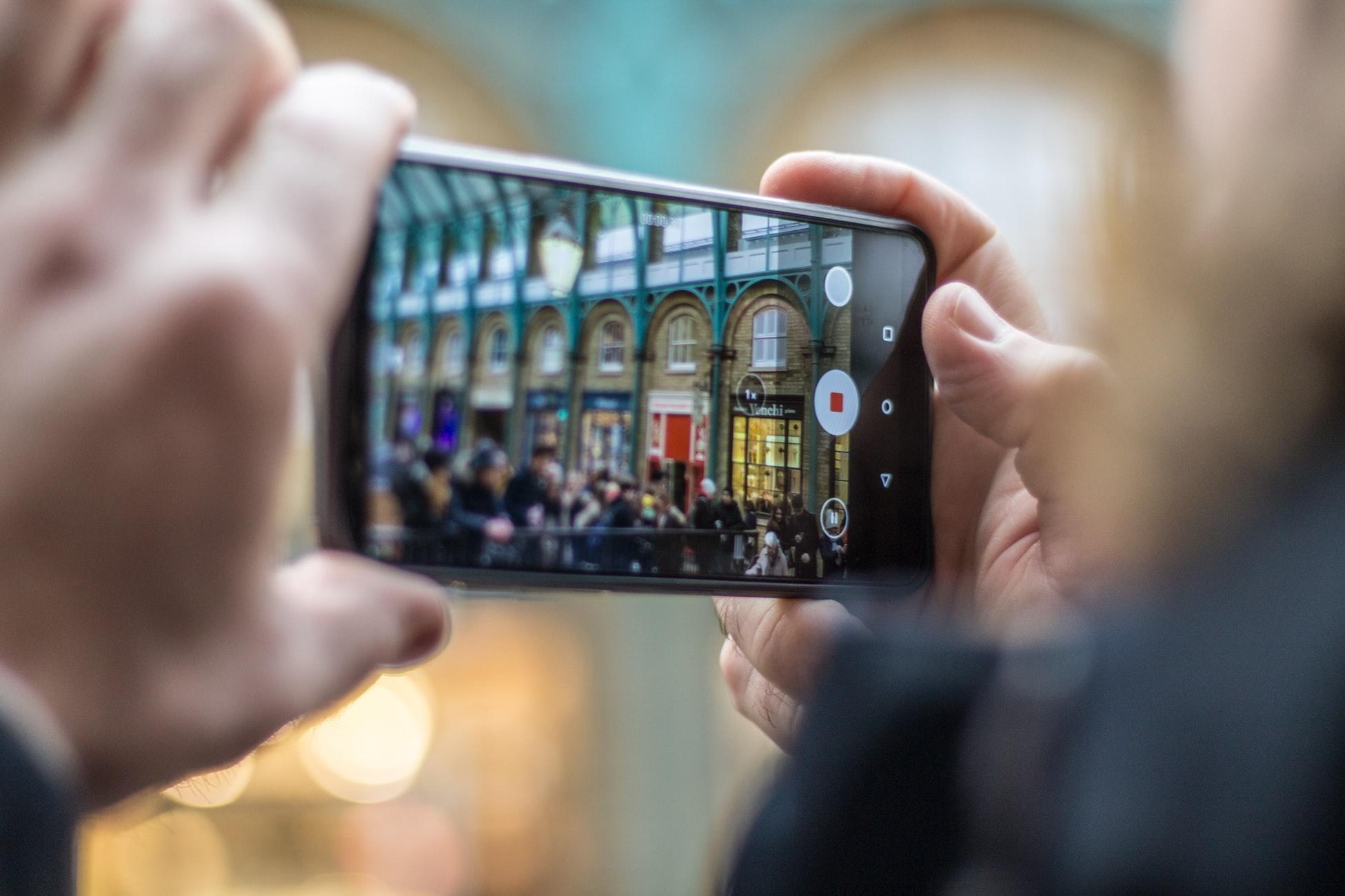

For practical use — signage, menus, transport, chat, most documents — absolutely; I've navigated three countries this year with Google Translate and Papago doing the heavy lifting. The honest limits: speech recognition still stumbles with accents, crosstalk and noisy rooms; politeness nuance in East Asian languages needs Papago or a human check; and legal or medical documents deserve a professional translator, not any app. Translation apps have become interpreters of first resort, not last resort — just keep the 911-grade stuff with humans.
For more app roundups, our guides to entertainment apps worth trying, affordable flight apps and mobile apps in modern travel pair well with this one.
Frequently asked questions
What is the best free translator app for Android?
Google Translate. It's free with no meaningful limits, covers 240+ languages, includes camera overlay, offline packs, conversation mode and transcription, and its quality is good-to-excellent across the languages most travellers need. Microsoft Translator is the closest free alternative, and Papago wins specifically in East Asia.
Which translator app works offline?
Google Translate, Microsoft Translator, Papago and Yandex Translate all offer downloadable offline language packs; iTranslate's offline mode requires the Pro subscription. DeepL's offline support is limited to its web/app tiers. For a trip with patchy connectivity, download Google's packs plus Microsoft's as backup — together they cover most needs without signal.
Is DeepL better than Google Translate?
For nuance and natural phrasing in its supported languages — roughly 30+, skewed toward European languages — DeepL is measurably better, especially on long or professional text. Google wins on language count, camera/offline features and speed. The practical setup most people land on: Google Translate installed for everything, DeepL opened when the translation really matters.
Can translation apps translate photos and menus in real time?
Yes. Google Translate's camera mode translates printed text instantly through the viewfinder, handles handwriting, and works offline with downloaded packs; Lens extends this to text inside photos. Papago's camera mode is particularly strong on Japanese and Korean menus. Point, pause, read — it's the feature that made translation apps genuinely useful.
Are AI chatbots like Gemini good at translating?
Very — for text. They handle idiom, tone and context better than traditional translation engines, and you can steer them ("formal", "like a local text"). Their limits: they need internet, they're slower for instant conversations, they can't do camera overlay, and they can hallucinate gracefully rather than fail loudly. For travel, keep a dedicated app; for documents, an AI assistant is now my first stop.
Related reading
- 5 best entertainment apps to try
- 5 best affordable flight apps for iOS and Android
- The role of mobile apps in modern travel and tourism
I've argued with a Cairo taxi driver through SayHi and proofread contracts through DeepL — if you tell me your destination or target language in the comments, I'll tell you which app leads there.